


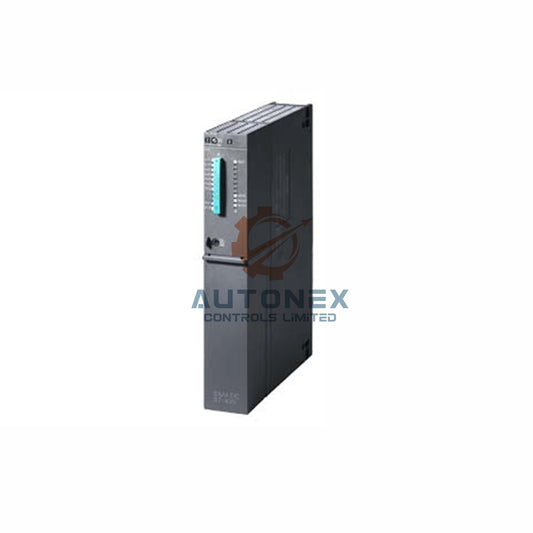
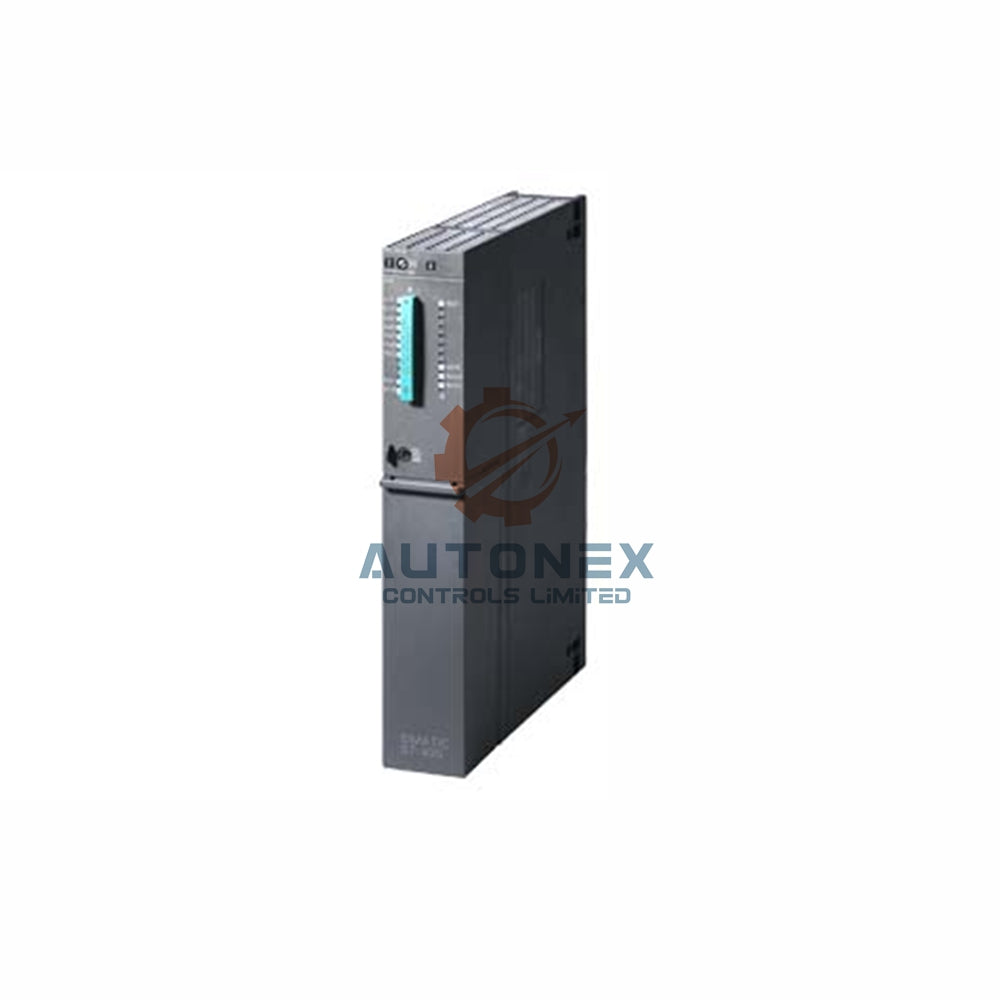


1756-RM2 Redundancy Module: Achieving Sub-20ms Switchover in ControlLogix Systems
In modern industrial automation, every millisecond of downtime carries a cost. For manufacturers relying on Rockwell Automation's ControlLogix platform, the 1756-RM2 redundancy module is the cornerstone of a high-availability architecture. This guide explores the technical and procedural nuances required to configure this module for a seamless, bumpless switchover in under 20 milliseconds. Drawing from field experience and Rockwell's specifications, we will outline the essential steps to ensure your redundant system performs flawlessly during a critical event.
1. Hardware Alignment: The Mechanical Prerequisite for Speed
Before any software configuration, the physical setup dictates the upper limit of your switchover speed. The 1756-RM2 module is engineered exclusively for the ControlLogix backplane and relies on fiber-optic communication to synchronize the primary and standby controllers. This link operates at speeds up to 1000 Mbps, forming the backbone of a rapid transfer. To achieve the sub-20ms goal, you must install the RM2 modules in identical slot positions within both chassis. Moreover, positioning the module as close as possible to the controller reduces backplane propagation delays. For physical connections, LC-type connectors paired with single-mode fiber are standard, supporting distances up to 10 kilometers between racks.
2. Firmware Synchronization: Avoiding Incompatibility Pitfalls
A frequent obstacle to sub-20ms performance is mismatched firmware. The 1756-RM2 modules operate optimally with 1756-L7x or L8x controllers, but exact revision levels are non-negotiable. Both controllers and both redundancy modules must run identical firmware versions. For instance, with 1756-RM2/A hardware, the Redundancy Module Configuration Tool (RMCT) must be version 8.01.05 or higher to unlock advanced timing features. You access this tool through FactoryTalk Linx; if the firmware does not align, the system will display an "incompatible" status, effectively disabling switchover. As a result, verifying firmware compatibility is the first logical step in any deployment.
3. Configuring the Redundancy Module Tool for Precision
The RMCT is your central hub for dictating how and when a switchover occurs. To launch it, right-click the 1756-RM2 module in the FactoryTalk Linx network browser and select "Device Configuration." Within this interface, you designate which chassis acts as the primary and which as the secondary. The tool provides real-time status updates every two seconds, allowing you to monitor synchronization health. Here, you also set automatic switchover triggers, such as major controller faults, power loss, or communication disruptions. Properly configuring these parameters ensures that any triggering event initiates a transfer within the 20ms window without losing scan integrity.
4. Network Strategy: Seamless IP Address Management
One of the hallmarks of a well-tuned redundant system is uninterrupted network communication. Unlike simpler backup schemes that struggle with IP swapping, the 1756-RM2, when paired with 1756-EN2T(R) modules, handles this transition automatically. During setup, you assign the same IP address to the paired Ethernet modules in both chassis. The system then manages ownership of this virtual identity. Consequently, if the primary fails, the secondary assumes control without any disruption to HMI or SCADA connections. Note that in L8 controllers, the embedded Gigabit port is disabled in redundant mode, so all network traffic must route through the paired EN2T modules.
5. Data Synchronization: Ensuring a Seamless Handoff
Switchover speed is irrelevant if the standby controller lacks current data. The 1756-RM2 facilitates automatic crossloading, which copies tag values, forces, and online edits from the primary to the secondary. By default, this occurs at the end of each program scan, but you can adjust the interval based on your application's volatility. For 1756-L7 controllers, sufficient memory must be allocated to store a duplicate of the tag database. The L8 family, however, removes this memory constraint, streamlining synchronization. This ensures that when the 20ms trigger occurs, the secondary controller holds a real-time mirror of the process.
6. Validating Performance: Testing the 20ms Threshold
Theoretical configuration must yield to empirical proof. While the 1756-RM2 is rated for a 20ms switchover, environmental factors can influence this. You should simulate failures—such as removing the primary controller or cutting power to its chassis—while monitoring with timestamped tools or the RMCT's event logs. Switchover triggers include power loss, major faults, or module removal in the primary rack. A successful setup will see the secondary assume control within one scan cycle, typically hitting the 20ms target. This rapid transition is critical in applications like automotive assembly or power generation, where mechanical integrity depends on continuous control.
7. Environmental Factors and Power Supply Considerations
Finally, the physical environment impacts long-term reliability. The 1756-RM2 typically consumes 5W to 10W from the backplane and operates in temperatures from -20°C to 70°C, making it suitable for harsh settings. If you use XT-rated components, the system can endure conditions down to -25°C. Equally important is the power supply; a unit like the 1756-PA72 must handle the inrush current of both redundant chassis simultaneously to prevent voltage sags during switchover. Ignoring these factors can undermine even the most meticulous configuration.
Application Scenario: Automotive Assembly Line Redundancy
Consider a high-speed automotive assembly line where a single PLC failure can halt production for thousands of dollars per minute. By implementing a 1756-RM2 redundant system with the strategies above, a plant can achieve bumpless switchover during a controller fault. The line continues operation without interruption, protecting both mechanical equipment and production targets. This scenario underscores the value of sub-20ms switchover in mission-critical environments.
Author's Insight: The Future of High-Availability Control
In my experience across numerous factory automation projects, the shift toward faster, more reliable redundancy is unmistakable. The 1756-RM2, particularly with L8 controllers, represents a mature solution that meets the demands of Industry 4.0. However, success still hinges on meticulous attention to detail—firmware matches, network design, and physical setup. As control systems become more distributed, the principles behind sub-20ms switchover will remain relevant, ensuring that uptime is not just a goal but a guarantee.
Frequently Asked Questions (FAQ)
Q1: What is the primary function of the 1756-RM2 module?
The 1756-RM2 enables seamless redundancy for ControlLogix controllers, synchronizing a secondary controller with a primary one to ensure bumpless switchover during faults.
Q2: Can I achieve sub-20ms switchover with older controllers like 1756-L6x?
No, sub-20ms performance is optimized for 1756-L7x and L8x series controllers; older models may not support the necessary firmware and processing speeds.
Q3: Do I need special fiber-optic cables for the RM2 modules?
Yes, you typically require LC-type connectors and single-mode fiber cables, which can support distances up to 10 kilometers between chassis.
Q4: How do I verify that my switchover time is under 20ms?
You can validate this by simulating a failure and monitoring event logs in the RMCT or using an external logic analyzer with timestamping.
Q5: What happens if the power supply cannot handle both chassis during switchover?
Insufficient power may cause voltage sags, leading to improper switchover or module resets; always size your power supply for the combined load of both racks.
For inquiries or technical support, contact us at sales@nex-auto.com or via WhatsApp at +86 153 9242 9628.
Partner with NexAuto Technology Limited for your automation needs.
Check below popular items for more information in AutoNex Controls

