






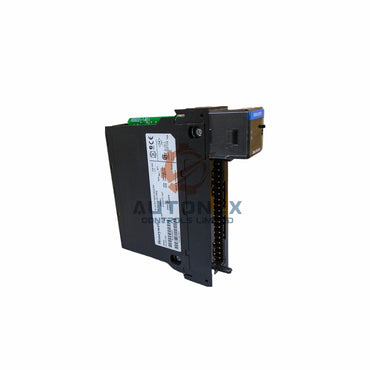
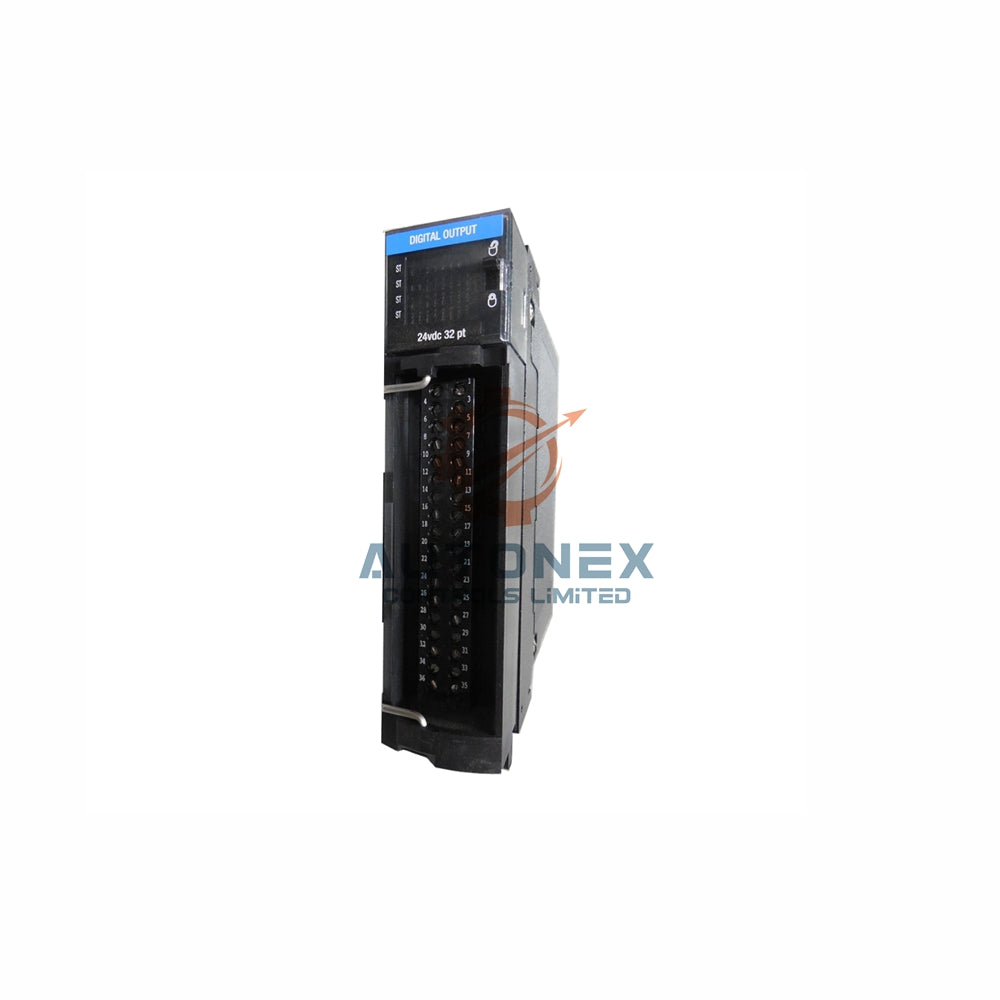


GE Fanuc IC693CPU372 Locked in STOP Mode: Advanced Recovery Solutions
Engineers often face unresponsive GE Fanuc Series 90-30 controllers during routine system restarts. Specifically, the IC693CPU372 module may remain trapped in STOP mode despite physical toggle switch adjustments. Consequently, operational downtime spreads quickly across industrial manufacturing facilities. Implementing immediate diagnostic measures helps technicians bypass hardware lockouts efficiently.
Understanding Software Overrides in Controller Architecture
Physical selector switches frequently yield priority to internal software configuration parameters. When active lockouts exist, the processor rejects manual toggle inputs automatically. Furthermore, lingering diagnostic faults within the rack backplane block operational state execution. Technicians must connect programming tools to inspect internal status flags before attempting hardware repairs.
Configuring CPU Properties in Proficy Machine Edition
To restore control functionality, engineers must verify key software permissions within Proficy Machine Edition. Upload the active hardware project and navigate directly to CPU properties. Next, ensure the software setting labeled Allow RUN Mode Change remains active. Disabling this restriction enables the processor to recognize physical switch state changes instantly.

Clearing System Fault Logs to Enable Operation
System fault records often force legacy Series 90-30 processors into hardware protection locks. Access the diagnostic console to evaluate critical hardware alerts and memory discrepancies. Moreover, clearing active fault logs removes persistent execution blocks from the system. Removing these software barriers allows smooth transitions into online execution modes.
Executing Direct Online RUN Commands
Technicians can bypass physical keyswitch hardware entirely using target direct commands. Right-click the processor target inside the software tree structure and select Online Commands. Subsequently, choose the force RUN option to initiate control logic execution directly. This software command forces immediate processing regardless of physical switch positions.
Verifying Backplane Power Supply Stability
Inconsistent power distribution across the rack backplane frequently causes central processor lockups. Measure terminal outputs on the IC693PWR321 module using an accurate multimeter. Furthermore, voltage drops below 4.75VDC on the +5V bus degrade controller stability significantly. Replacing failing power modules ensures consistent signal voltage across backplane connections.
Maintaining Battery Health and RAM Integrity
Depleted lithium batteries trigger register corruption inside internal volatile memory components. Inspect the IC693ACC301 backup battery to verify output levels remain above 2.5VDC. Additionally, executing a full memory reset clears corrupted registers effectively. Installing a fresh battery unit protects critical system parameters during main power cycles.
Expert Insights on Legacy Control System Maintenance
Legacy control systems like the Series 90-30 remain reliable assets across process industries. However, aging physical components often introduce intermittent mechanical faults over extended operational lifetimes. Migrating toward modern programmable automation controllers provides long-term operational security. Meanwhile, mastering software override protocols ensures reliable uptime for legacy production lines.
Field Application Scenario: Restoring Plant Operations
During a scheduled overhaul at a manufacturing facility, an IC693CPU372 processor failed to enter RUN mode. The physical keyswitch showed no response following main power restoration. Technicians connected Proficy Machine Edition and identified an uncleared memory fault alongside low battery voltage. After replacing the IC693ACC301 battery, clearing diagnostic logs, and issuing a direct RUN command, the line resumed normal operation within fifteen minutes.

Frequently Asked Questions
Why does the CPU ignore physical RUN switch movements?
The processor ignores physical inputs when software logic overrides switch permissions or when uncleared fatal faults remain inside the diagnostic table.
Can I force the CPU into RUN mode without programming software?
No, clearing persistent software locks or altered configuration flags requires a direct connection via Proficy Machine Edition or Logicmaster 90.
What backplane voltage level indicates a failing power supply?
Backplane supply levels dropping below 4.75VDC on the +5V bus indicate severe degradation requiring immediate power module replacement.
How often should the IC693ACC301 backup battery be replaced?
Industrial maintenance teams should replace backup batteries every two years to prevent unexpected memory corruption during power shutdowns.
Is a complete memory clear safe for active production CPUs?
A memory reset erases volatile RAM entirely. Always perform a full project backup before initiating memory clear procedures.
For technical inquiries or replacement parts, contact our engineering support team at sales@nex-auto.com or reach us via WhatsApp at +86 153 9242 9628.
Partner NexAuto Technology Limited : https://www.nex-auto.com/
Check below popular items for more information in AutoNex Controls
| TM221C16T | EDS-108 | E1212 |
| E1212-T | E1242 | E1242-T |
| E2242-T | DL35-B15552 | DR35-B15522 |
| TC-IDX081 | TC-IDA161 | TC-ODX081 |
| TC-ODA161 | TC-ODJ161 | TC-ODX161 |
