



1
/
of
3
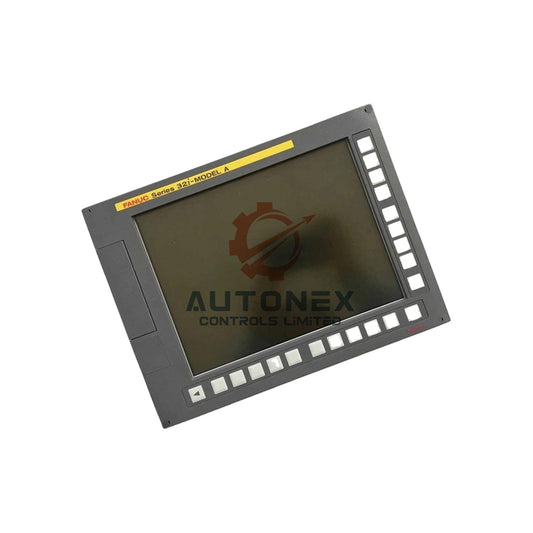
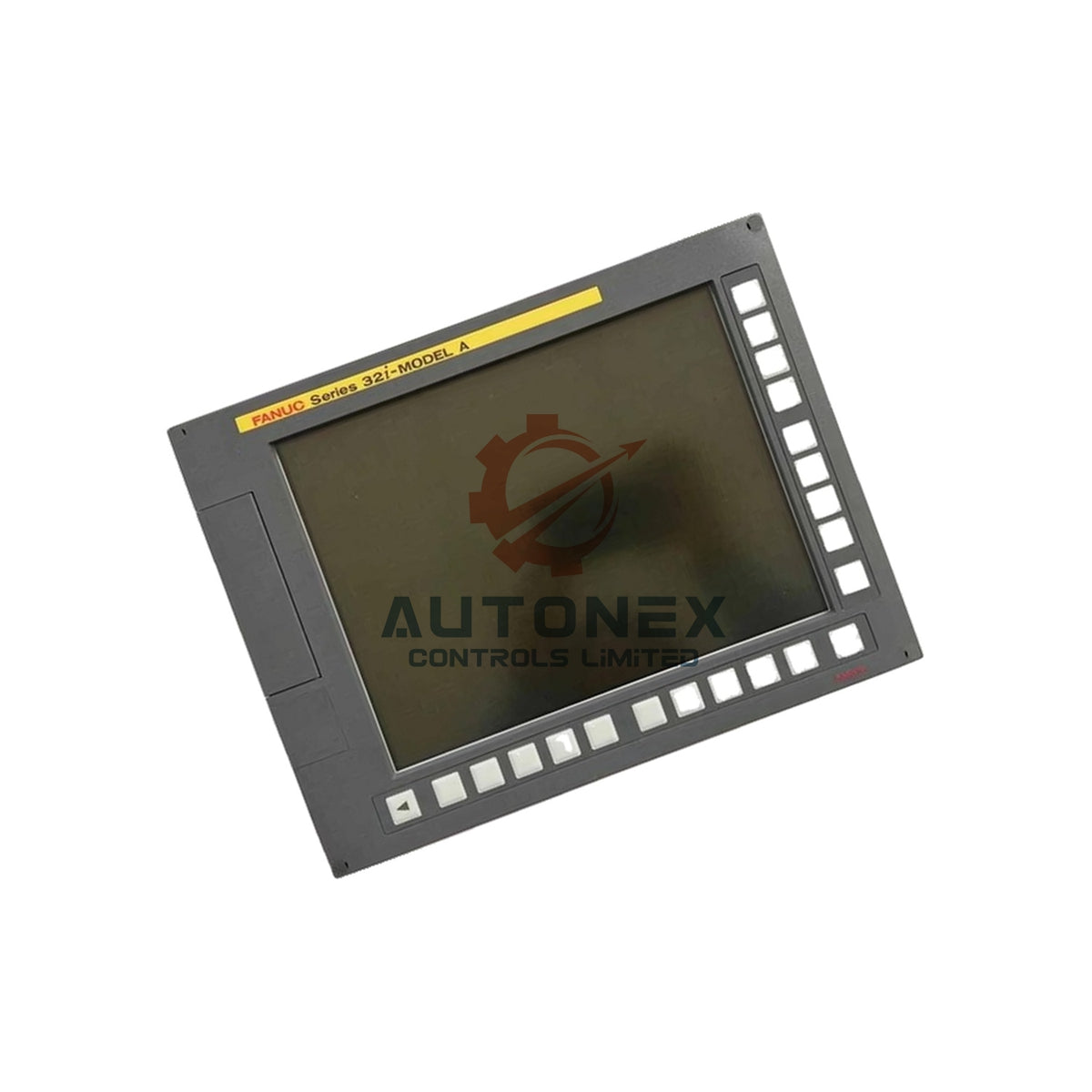
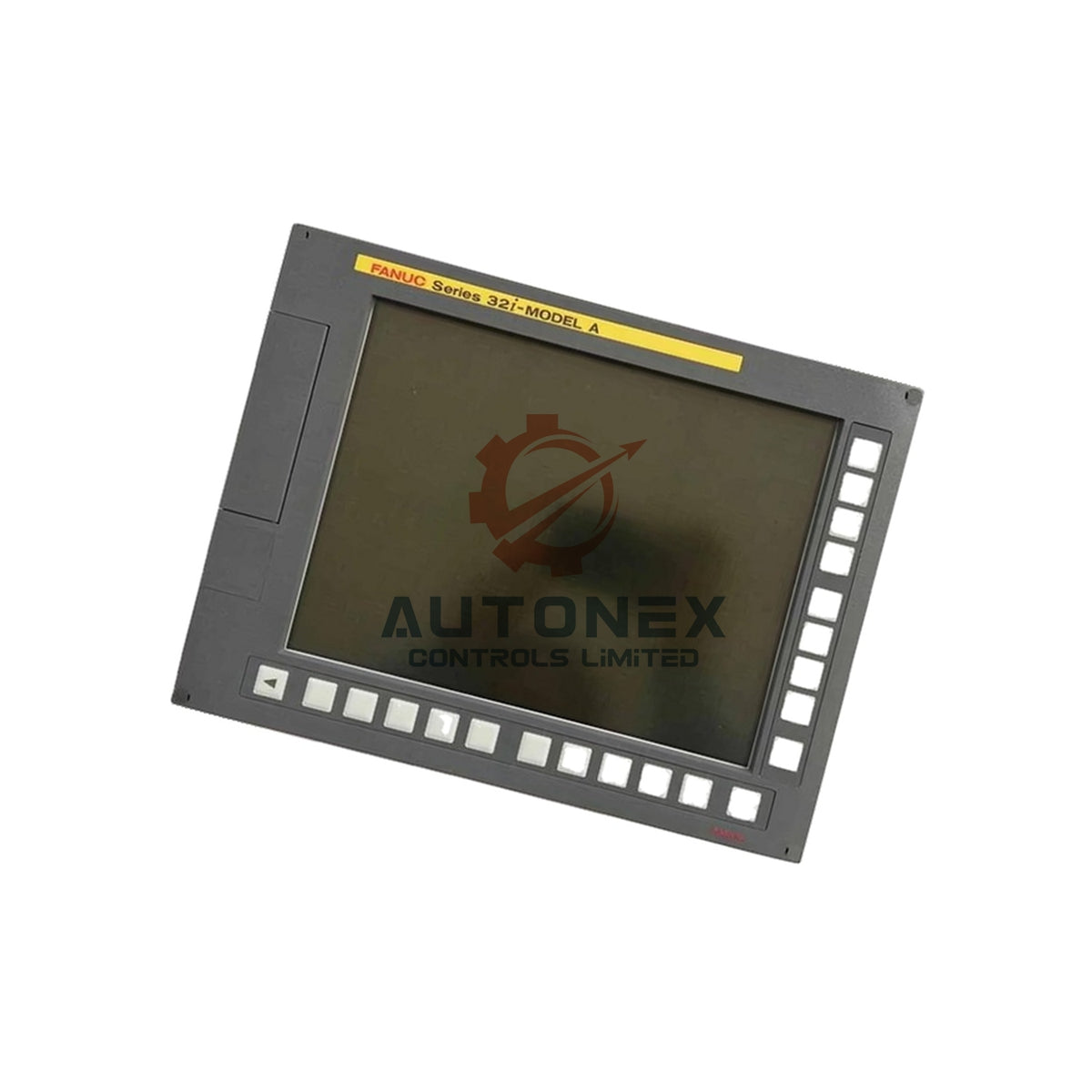
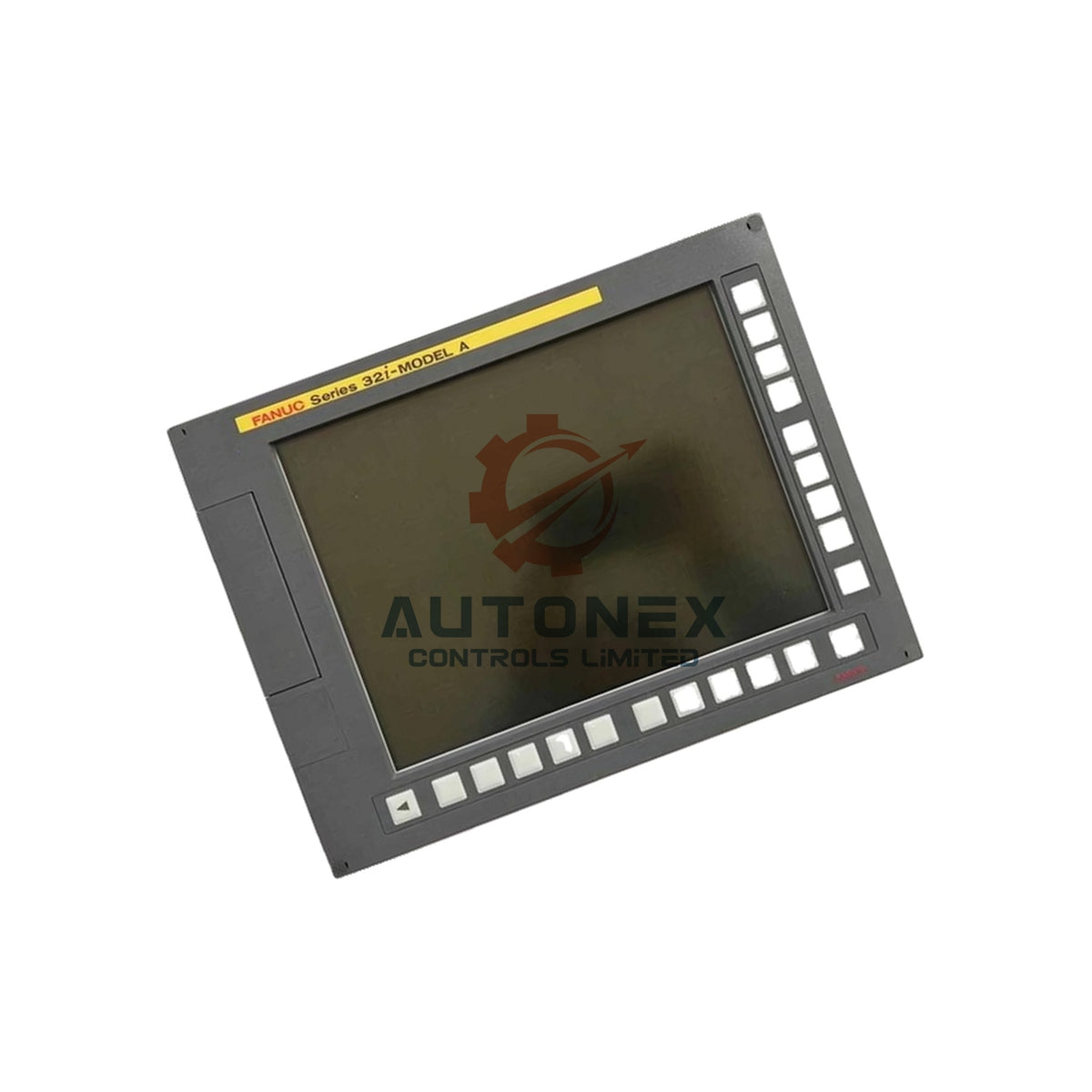
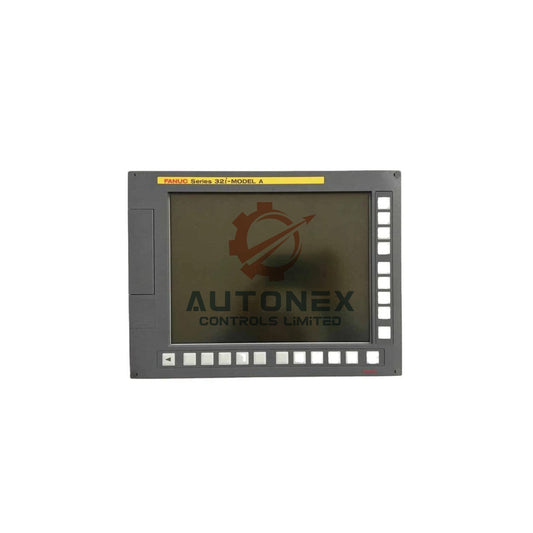
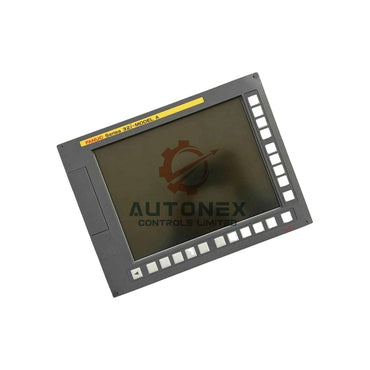
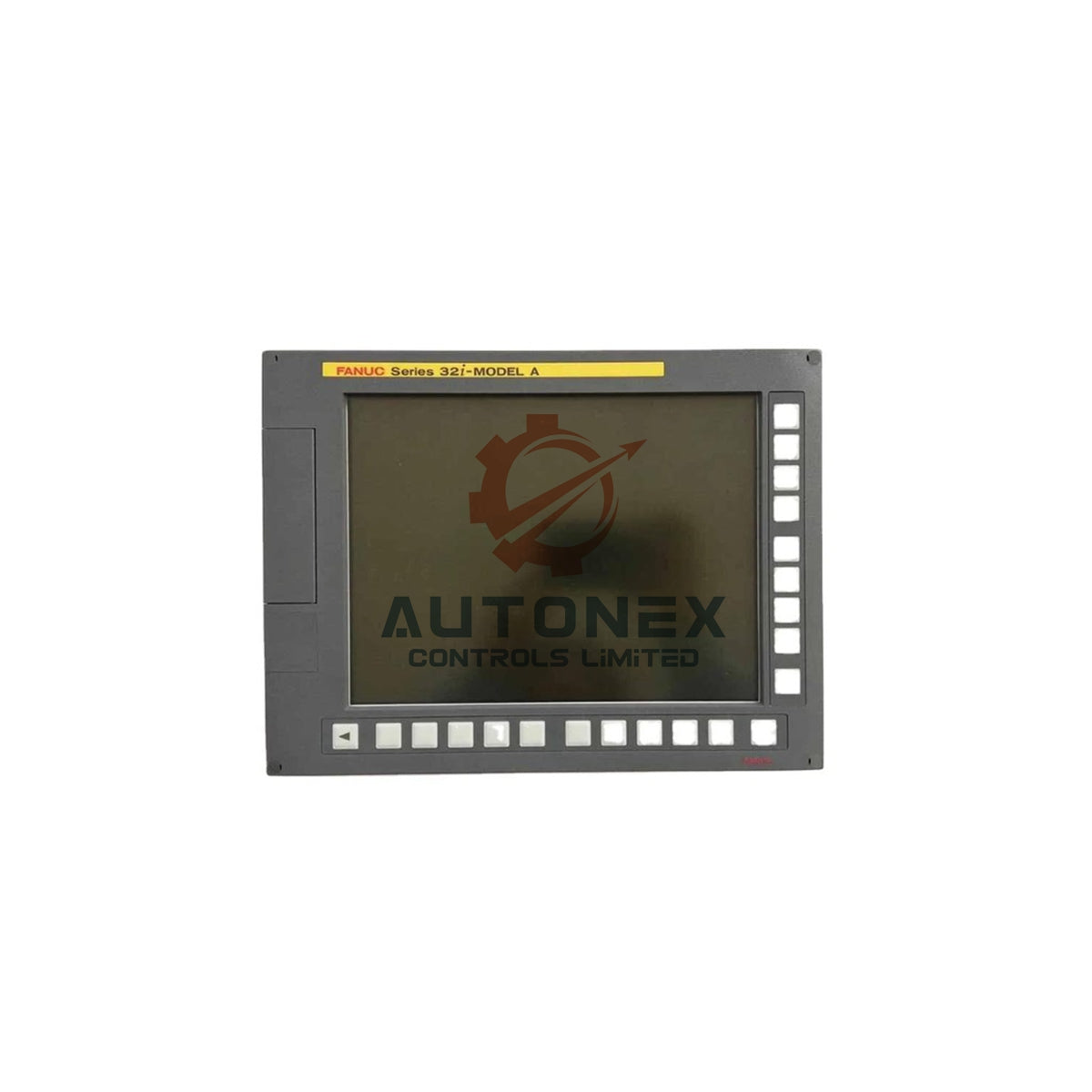
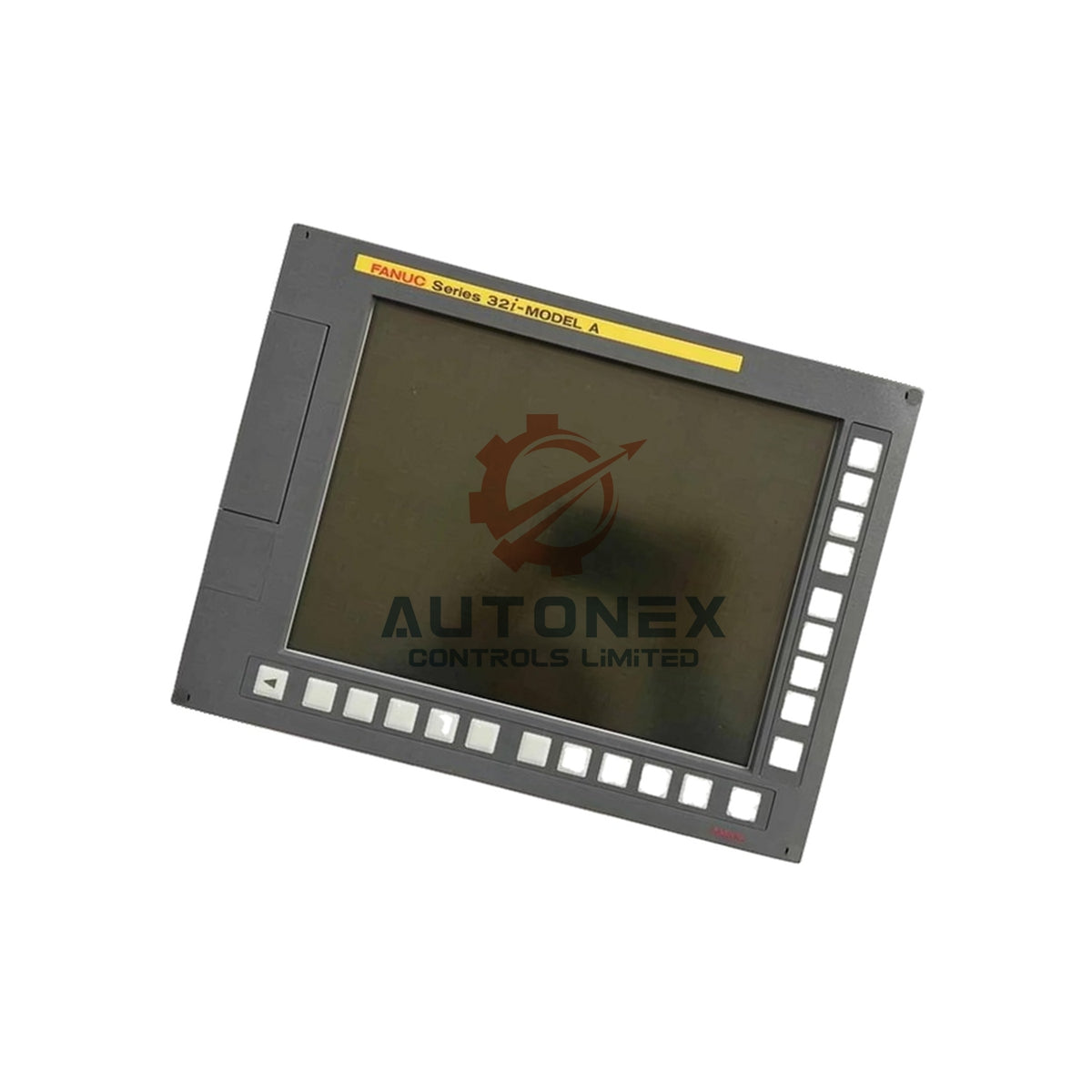
A02B-0303-C128 FANUC MDI QWERTY Keyboard Unit
No reviews
In stock (15 units), ready to be shipped
-
Vendor:
FANUC
-
Type:
LCD Display Unit
-
Country of Origin:
JP
-
Dimensions:
30*25*10cm
- Weight:
2200 g
- Tags: Lcd display unit
A02B-0303-C128 FANUC Series 30i-A MDI QWERTY Keyboard Unit
Technical Specifications
- Brand: FANUC
- Model: A02B-0303-C128
- Series: FANUC Series 30i-A (also fits 31i-A and 32i-A controls)
- Category: MDI unit with English standard QWERTY keyboard
- Input type: MDI keyboard unit (supplier-reported)
- Supply voltage: 24 VDC from the CA55 MDI connector, powered by the host display or control unit
- Current consumption: 0 A for the MDI unit (B-63943EN/02 Table 3.2.1(b), p.56)
- Operating temperature: 0 to 58 °C, official per B-63945EN/02 §5.10, p.329/printed 356
- Storage and transport temperature: −20 to 60 °C, official per B-63945EN/02 §5.10, p.329/printed 356
- Relative humidity: 75%RH or less in normal use; up to 95%RH for short periods (≤1 month), no condensation
- Weight: Approximately 2.0 kg (supplier-reported)
- Dimensions: No numerical table published for this order code
- Communication ports: None; the unit works as a passive component
Key Features and Environmental Resilience
- The QWERTY layout speeds up program entry and parameter editing for English-speaking operators.
- The MDI unit connects straight to the host display or control unit through CA55.
- The unit adds no current load of its own, so cabinet power budgets stay unchanged.
- The wide 0–58 °C operating range covers most machine shop floors and enclosed cabinets.
- The unit tolerates short humidity spikes up to 95%RH without condensation damage.
- FANUC lists the A02B-0303-C128 in manual B-63945EN/02, which supports reliable part sourcing.
Installation Guide
- Power down the CNC control and lock out the main breaker before you begin.
- Open the operator panel and disconnect the CA55 cable from the old MDI unit.
- Unscrew the mounting fasteners and lift the old keyboard out of the panel.
- Seat the A02B-0303-C128 into the same opening and tighten the fasteners evenly.
- Reconnect the CA55 cable to the new unit and check the seating.
- Restore power and test each key for correct response on the CNC screen.
- Keep the cabinet ambient temperature within the 0–58 °C range after installation.
Packing List
- 1 × FANUC A02B-0303-C128 MDI QWERTY keyboard unit
- 1 × protective antistatic bag
- 1 × shock-absorbing foam insert
- 1 × outer shipping carton
Shipping and Support
- We keep this item in stock and ship within 5 days of order confirmation.
- We ship worldwide through FedEx, UPS and DHL.
- We supply brand-new original units only.
- We accept returns within 30 days of delivery.
FAQ
-
Q: What keyboard layout does the A02B-0303-C128 use?
A: It uses the English standard QWERTY layout. -
Q: Which CNC controls does this MDI unit fit?
A: It fits FANUC Series 30i-A, 31i-A and 32i-A controls from the same generation. -
Q: How does the MDI unit get power?
A: It receives 24 VDC from the CA55 connector on the host display or control unit. -
Q: Does the unit draw current from the cabinet supply?
A: No. FANUC rates the MDI unit at 0 A current consumption. -
Q: What temperature range does the unit support?
A: It operates from 0 to 58 °C and survives storage from −20 to 60 °C. -
Q: How fast do you ship, and which carriers do you use?
A: We keep stock on hand and ship within 5 days via FedEx, UPS or DHL. -
Q: What is your return policy?
A: We accept returns within 30 days, and we supply brand-new original units only.
Fast & Reliable Shipping
Quick worldwide delivery
keeps your automation projects on schedule.
Genuine & Trusted
All components are 100% authentic
ensuring reliable performance for your systems.
- Express Delivery
- 12 Months Warranty
- 30 Days Easy Returns


Customer Support
Get Help When You Need It Most
Here to Assist Your Automation Needs
Contact us for pricing, product details, or order assistance — our experts are available to help.
Know Your Return Rights
You have 30 days to return a product if it doesn’t meet your requirements. See the full policy for details.