

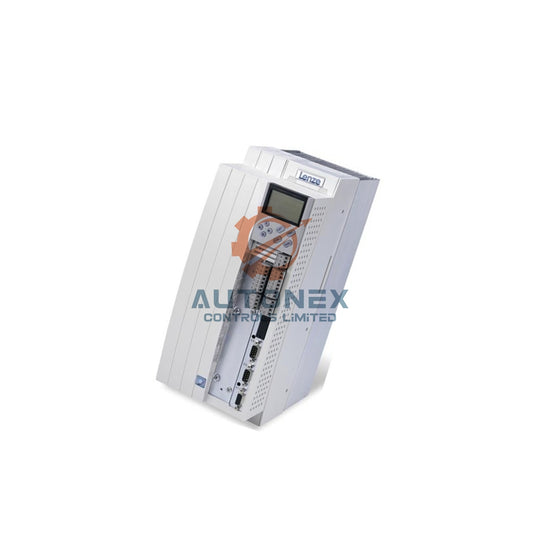
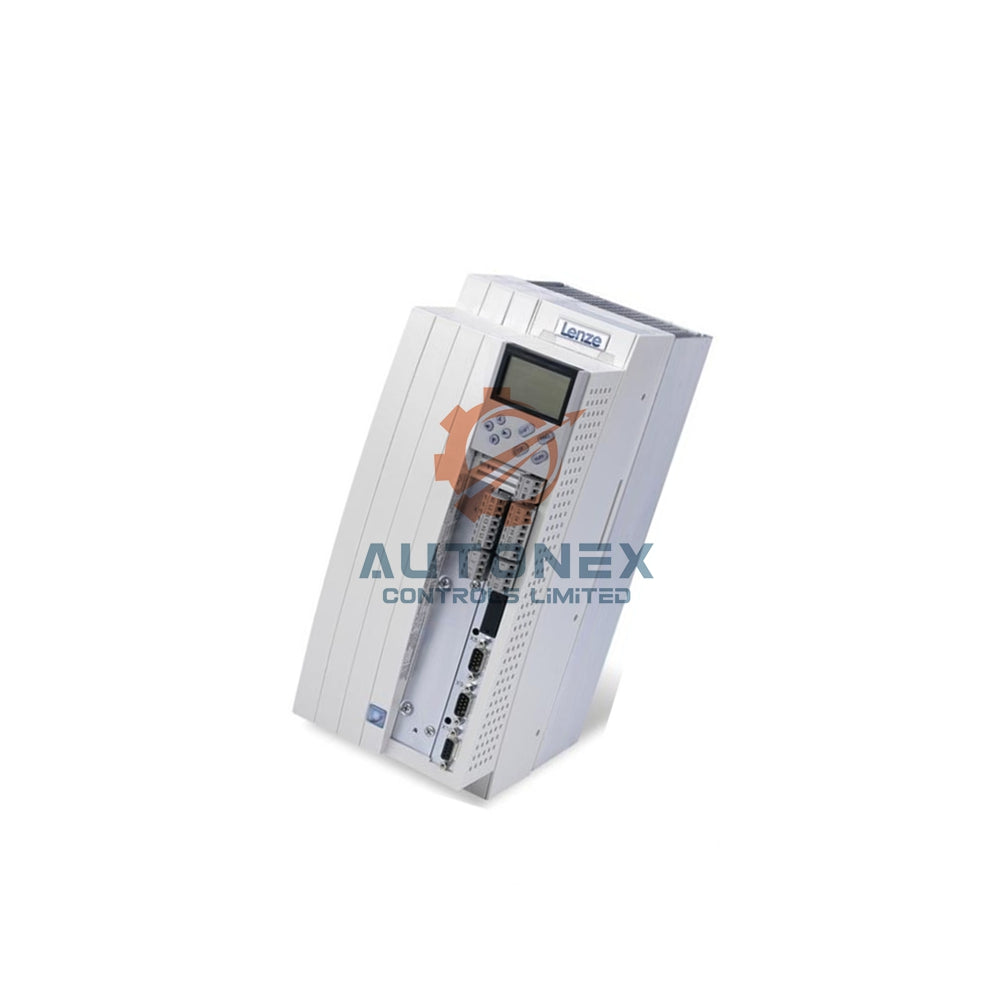
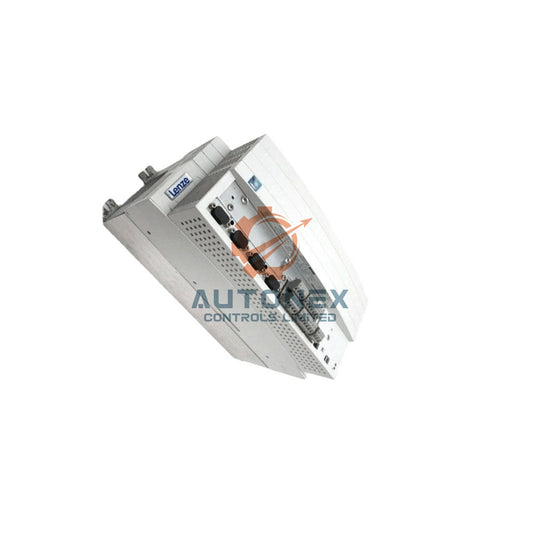
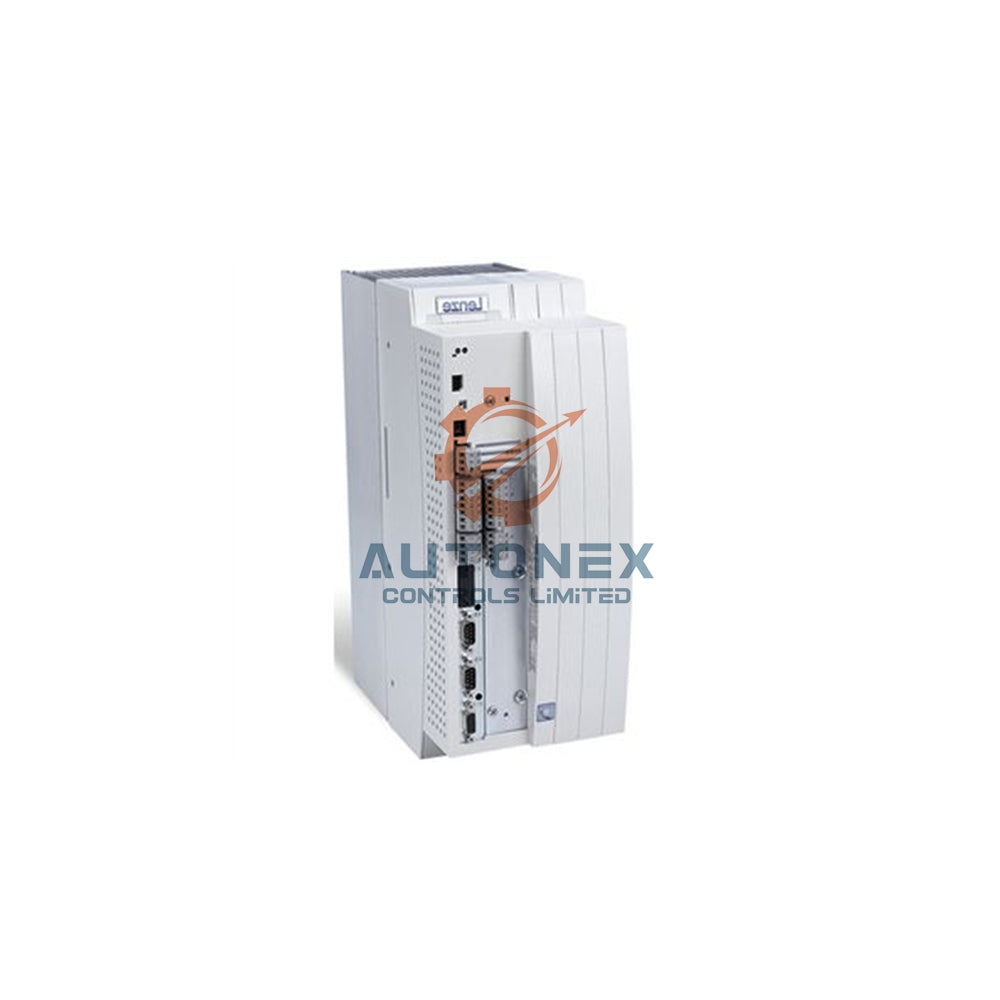
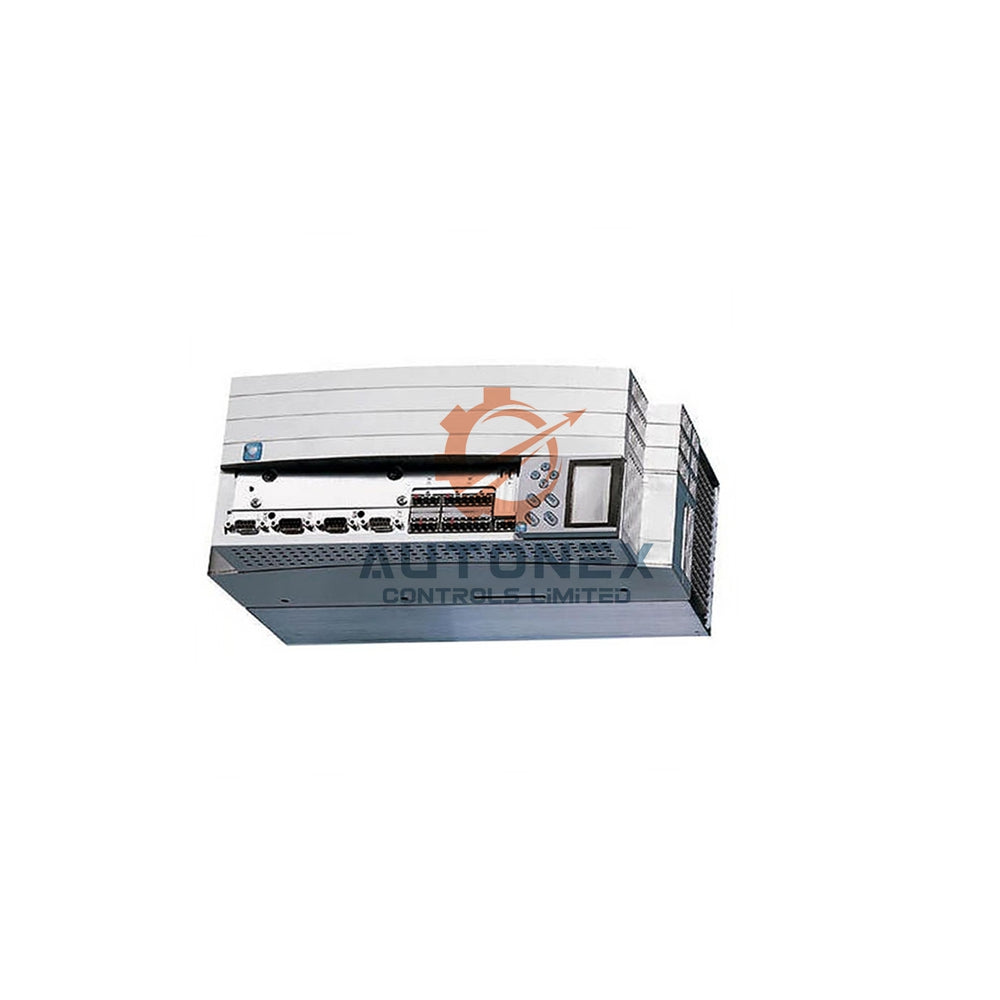
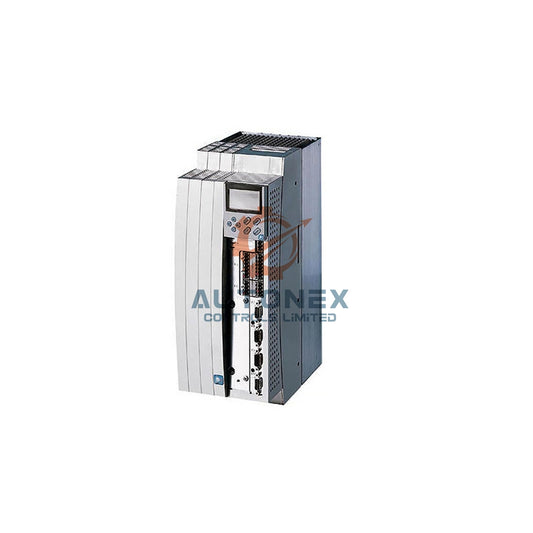
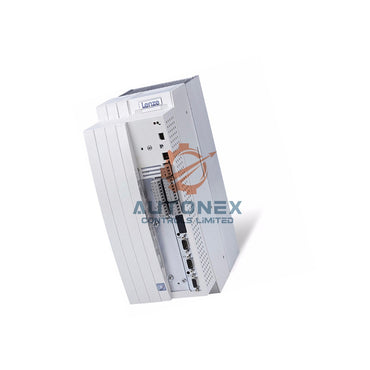
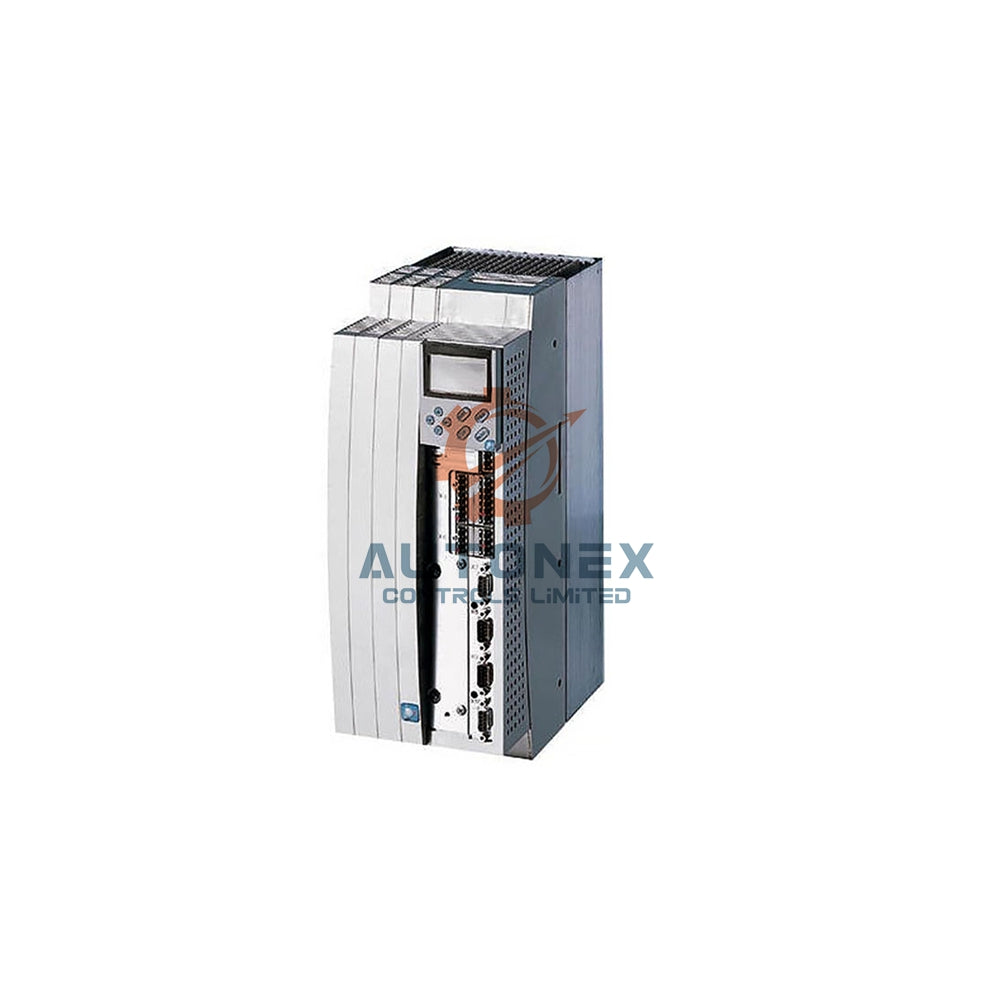


GE Series 90-30 CPU374 Ethernet Port Clip Failure: Fixed Replacement Solutions for Legacy Industrial Automation
Broken AAUI port clips on the GE Series 90-30 CPU374 disrupt factory automation networks. This article explains root causes and engineering-verified fixes. Field engineers supporting legacy PLC platforms will find actionable decision criteria here.
Why the AAUI Interface Fails in Industrial Automation
Mechanical Weakness of the 14-Pin D-Sub Connector
The AAUI port relies on metal clips for mechanical locking. These clips concentrate stress during repeated insertion cycles. Vibration and routine maintenance handling accelerate fracture. Once a clip breaks, the IC693CMMAAUI adapter loses stable electrical contact. As a result, intermittent network drops appear without warning.
Field Data on Contact Resistance Degradation
Field failure statistics reveal contact resistance fluctuation up to three times the initial value. This occurs after roughly 500 insertion cycles. Moreover, the AAUI standard has left mainstream industrial networking. Supply of IC649AEA102/103 adapter cables keeps shrinking. Therefore, replacing the adapter alone cannot repair physical damage to the clip base. A wait-and-see maintenance strategy no longer works.
Temporary Mitigation for Control Systems Under Pressure
Strain Relief and Adapter Fixation Techniques
Before full hardware migration, temporary reinforcement helps. First, secure the IC693CMMAAUI cable to the cabinet routing duct with nylon zip ties. This step transfers cable weight and vibration stress away from the AAUI interface. Second, apply a small amount of neutral silicone sealant to the adapter-to-port mating surface. After curing, the sealant suppresses intermittent disconnections caused by fretting wear.
Measured Limits of Short-Term Fixes
Testing shows strain-relieved AAUI connections improve mean time between failures by about 40%. However, contact reliability after clip fracture never returns to factory levels. Notably, intermittent LAN LED extinguishing on the CPU374 usually signals an unstable physical layer link. Inspect the AAUI interface before touching software configuration in such cases.

Core Replacement Path: CPU372 Native RJ45 Migration
Eliminating the AAUI Failure Point Entirely
The most definitive fixed replacement removes the AAUI interface completely. GE recommends the IC693CPU372 as the direct replacement product. This CPU integrates a built-in dual-port RJ45 Ethernet switch. Consequently, it removes all dependency on external transceivers and AAUI cables. Clip damage and adapter loosening disappear at the root.
Compatibility and Configuration Transfer
The CPU372 maintains compatibility with Series 90-30 racks and supports 10/100 Mbps auto-negotiation. During migration, transfer the existing IP address, subnet mask, and gateway parameters into the CPU372 hardware configuration. One critical point deserves attention. You must explicitly download hardware configuration through the programming software. Downloading logic programs alone will not write Ethernet parameters. For sites using EGD exchange, the CPU372 supports the same protocol, so upper-layer application logic needs no changes.
Hardware-Level Repair: Feasibility Boundaries of AAUI Port Replacement
Sub-Board Replacement and Soldering Risks
If the system architecture forbids a CPU model change, consider Ethernet sub-board replacement or whole-unit repair. The CPU374 Ethernet function resides on a separate sub-board. This sub-board communicates with the CPU mainboard through an internal connector. Some repair providers offer desoldering and replacement of the AAUI connector. However, this operation demands extremely high soldering precision. The 14-pin D-sub connector has a 1.27 mm pin pitch. Adjacent pin bridging risk is significant during hand soldering.
Used Spare Parts and Inventory Reality
A more reliable approach involves sourcing a used CPU374 spare with intact AAUI port clips. Nevertheless, the 90-30 platform entered discontinuation in 2017. Spare parts inventory is depleting at an accelerating rate. This option suits only transitional inventory consumption. It offers no long-term sustainability for factory automation operations.
Data-Driven Decision Framework for PLC Migration
Three Metrics That Guide the Replacement Choice
Evaluate three metrics quantitatively when selecting a replacement solution. First, downtime cost: a single unplanned network disconnection can cause production line downtime reaching thousands of dollars per minute in automotive manufacturing. Second, spare parts availability: the IC693CMMAAUI adapter is an obsolete component, and second-hand market units lack any contact reliability guarantee. Third, migration workload: CPU372 replacement involves hardware configuration download and minor wiring adjustments, and it typically completes within a 4-hour maintenance window.
Firmware Matching and Baseline Recording
Note that the CPU374 Ethernet sub-board firmware and CPU firmware have version matching requirements. Mixing different versions may cause LAN LED anomalies. Therefore, before any sub-board replacement, read the current firmware version via Station Manager and record a baseline. In summary, for a CPU374 with physically broken clips, CPU372 migration is the only fixed replacement solution that delivers deterministic network reliability.
Author Insight: Legacy PLC Support in Modern Industrial Automation
Why Transitional Fixes Rarely Pay Off
From a maintenance engineering perspective, legacy PLC platforms demand a total-cost-of-ownership view. Adapter fixation and silicone sealing buy time, yet they do not restore factory-grade contact reliability. In my experience, sites that postpone migration often face repeated line stoppages and rising spare-part premiums. The CPU372 path removes the fragile mechanical interface instead of shielding it. That distinction matters for control systems running continuous production.
Planning the Migration Window
Plan the CPU372 swap around a scheduled maintenance window rather than a failure event. Record firmware baselines, export existing network parameters, and verify EGD mappings beforehand. This preparation keeps the actual cutover within a single shift. For DCS-integrated lines, coordinate with the upper-layer SCADA team to confirm address continuity.

Application Case: Automotive Line Network Stabilization
Scenario and Outcome
An automotive assembly line reported repeated CPU374 LAN LED dropouts. Inspection confirmed fractured AAUI port clips and a loose IC693CMMAAUI adapter. The team first applied zip-tie strain relief as an interim measure. Within the next maintenance window, they migrated to the IC693CPU372 with transferred IP parameters and a full hardware configuration download. Network disconnections stopped, and no upper-layer EGD logic changes were required.
Frequently Asked Questions
Can I simply replace the IC693CMMAAUI adapter cable?
No. A new adapter cannot repair a fractured clip base on the CPU374 port. The mechanical locking feature is damaged, so stable electrical contact is not guaranteed. Hardware migration or port-level repair is required.
Does the CPU372 require changes to my EGD application logic?
No. The CPU372 supports the same EGD protocol. You only need to transfer IP, subnet mask, and gateway parameters and download the hardware configuration explicitly.
Why does downloading logic alone fail to set Ethernet parameters?
Ethernet parameters live in the hardware configuration, not the logic program. The programming software must explicitly download the hardware configuration to write those values into the CPU.
How long does a typical CPU372 migration take?
Most migrations complete within a 4-hour maintenance window. The work covers hardware configuration download and minor wiring adjustments.
Can I replace just the CPU374 Ethernet sub-board?
It is possible but risky. The 14-pin D-sub connector has a 1.27 mm pin pitch, so hand soldering carries bridging risk. Also verify firmware version matching and record a Station Manager baseline first.
