

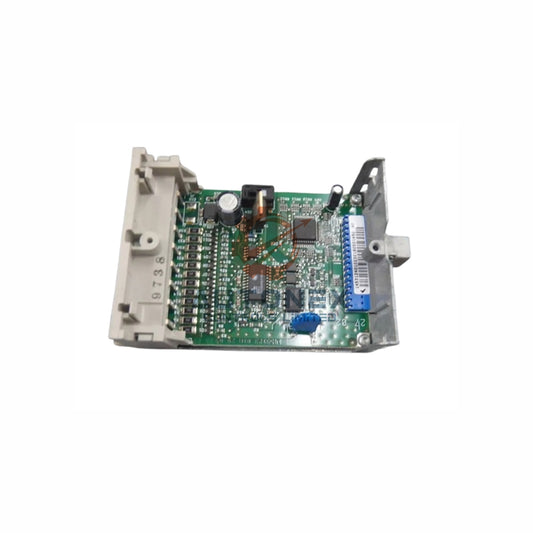
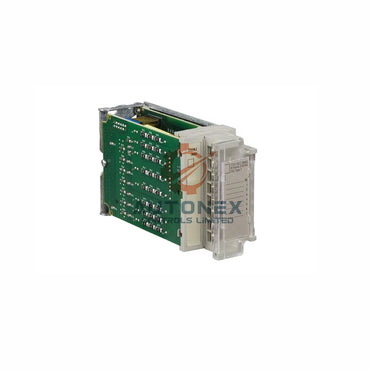
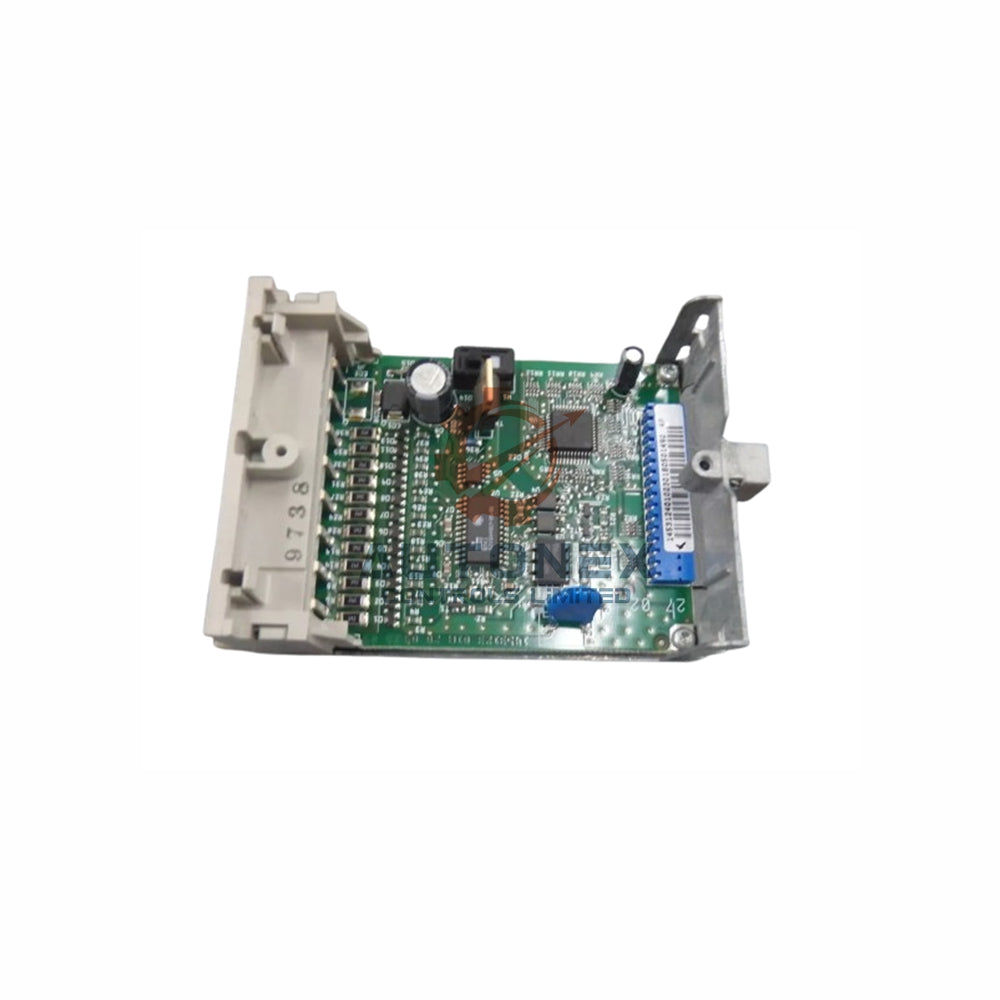
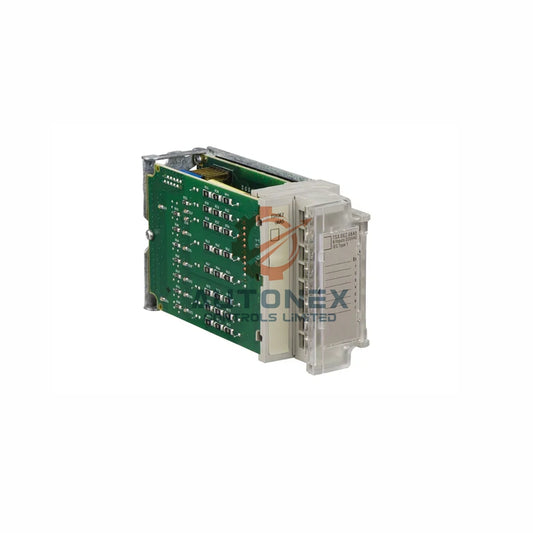




IC693CPU374 Replacement Triggers Profibus Blackout: Why Firmware and GSD Configuration Matter More Than Backplane Memory
Replacing a Series 90-30 CPU374 can unexpectedly take a third-party Profibus network offline. Field data and firmware release notes point away from backplane shared memory. Instead, outdated PBM200 firmware, mismatched GSD files, and CPU-specific backplane timing issues explain most documented failures in industrial automation environments.
Backplane Memory Allocation Rarely Causes the Fault
The IC693CPU374 offers 240 KB of configurable user memory. Engineers can allocate register memory (%R) from 128 to 32,640 words during hardware configuration. This is not a fixed shared-memory partition that a third-party module can claim independently. Profibus master modules such as the IC693PBM200 exchange data through the backplane I/O scan. They do not negotiate %R memory directly. Therefore, a pure memory allocation conflict seldom produces a total communications blackout.
Field evidence supports this view. One system paired a CPU374 with a PBM200 and 24 slaves. Intermittent module reboots appeared under load. Swapping the CPU for an IC693CPU350 eliminated the fault completely. The issue followed the CPU, not the memory configuration. In our experience, technicians often chase memory parameters first. That approach wastes time when the real cause sits in firmware or bus configuration.

Firmware Incompatibility Between CPU374 and PBM200 Is Well Documented
GE Fanuc release notes explicitly address a defect involving the CPU374 and the IC693PBM200 Profibus master. The PBM200 requires firmware version 1.16 or later to operate with the CPU374. Earlier versions intermittently logged a “Backplane Communications with PLC fault; lost request” error. This fault appeared more often when the application issued COMMREQ instructions to the Profibus module.
A parallel defect affected the IC693PBS201 Profibus slave module. Firmware 1.28.1 or later resolved the identical backplane fault with the CPU374. These documented incompatibilities suggest that a replacement CPU374 may expose latent firmware mismatches. As a result, engineers should verify the Profibus module’s firmware revision before pursuing memory-related diagnostics. This step alone resolves many factory automation troubleshooting cases.
Missing or Mismatched GSD Files Produce Total Bus Failure
Third-party Profibus devices require explicit GSD file configuration in the GE Fanuc master. Unlike some Siemens controllers that auto-detect or apply default parameters, the IC693PBM200 will not recognize a slave without the correct GSD entry. A missing GSD file produces an immediate bus fault state after the CPU enters RUN mode.
One documented field case involved WAGO I/O modules on a Profibus network. The same network ran correctly under Siemens control but failed under the GE Fanuc master. The fix required importing the correct WAGO GSD. Critically, it also required adding the root WAGO module to the attached I/O list. Configuring individual I/O slices without the parent module left the entire bus in a fault state. This failure mode is independent of any CPU374 memory parameter, and it remains a common pitfall in control systems integration.
Backplane Timing Instability Appears Specific to the CPU374 Platform
The CPU374 runs an AMD SC520 processor at 133 MHz with a Boolean execution rate of 0.15 microseconds per instruction. Its backplane communication behavior differs from older 90-30 CPUs. Field observations from a system with 24 Profibus slaves recorded PBM200 reboot intervals from roughly 5 minutes under high load to 3 hours with a reduced slave count.
Reducing the baud rate to 1.5 Mbps and lowering data throughput did not eliminate the reboots. Removing five suspect slave nodes temporarily suppressed the symptom. The definitive resolution was a CPU swap to an IC693CPU350. This outcome points toward a CPU374-specific interaction with the Profibus master’s backplane handshake. Moreover, it does not indicate a global memory exhaustion condition. Our assessment is that the CPU374 platform demands stricter validation of Profibus module firmware and bus topology than older CPUs.
Practical Verification Sequence for Affected Installations
Engineers facing this fault should first confirm the Profibus module firmware. The PBM200 requires version 1.16 or higher for CPU374 compatibility. Second, verify that every slave device has its manufacturer-specific GSD imported into the Proficy Machine Edition project. Third, inspect the slave configuration tree for missing root or parent module entries. Fourth, review the PLC fault table for “Backplane Communications” entries. These entries distinguish firmware and timing faults from configuration errors.
If the fault persists after firmware and GSD verification, isolate the Profibus network by removing slave nodes systematically. A single malformed device frame can disrupt the token exchange and force master resets. Finally, if Ethernet functionality is not mandatory, substituting a CPU350 provides a documented workaround. For applications requiring embedded Ethernet, migrating to the PACSystems RX3i platform eliminates the legacy backplane limitation entirely. From a lifecycle perspective, this migration also improves long-term spare-parts availability.
Application Case and Solution Scenario
A packaging line used a CPU374 with a PBM200 master and 24 WAGO and third-party slaves. Operators reported random Profibus dropouts every few hours. The team first checked %R allocation and found no conflict. They then updated PBM200 firmware to 1.16, imported the correct WAGO GSD, and added the root module to the I/O list. Reboots dropped sharply but did not disappear under peak load. A final swap to an IC693CPU350 removed the remaining faults. This case shows a layered troubleshooting approach works best in industrial automation projects.

Frequently Asked Questions
Does the IC693CPU374 have a fixed shared-memory partition for third-party modules?
No. The CPU374 provides configurable user memory, including %R allocation from 128 to 32,640 words. Third-party Profibus modules exchange data through the backplane I/O scan, not through direct memory negotiation.
Which PBM200 firmware version works with the CPU374?
GE Fanuc documentation requires PBM200 firmware version 1.16 or later. Earlier versions may log “Backplane Communications with PLC fault; lost request” errors, especially when COMMREQ instructions are used.
Why does a missing GSD file stop the entire Profibus bus?
The IC693PBM200 does not auto-detect slaves. Without the correct GSD entry, the master cannot configure the device. As a result, the bus enters a fault state immediately after the CPU enters RUN mode.
Can lowering the baud rate fix CPU374 Profibus reboots?
Field reports show that reducing the baud rate to 1.5 Mbps and lowering throughput did not eliminate PBM200 reboots. The behavior appears tied to CPU374 backplane timing rather than bus speed alone.
What is the recommended workaround if the fault persists?
Verify firmware and GSD files first, then isolate slave nodes systematically. If Ethernet is not required, an IC693CPU350 swap is a documented workaround. For embedded Ethernet needs, the PACSystems RX3i platform removes the legacy backplane limitation.
Contact Information
Inquiries: sales@nex-auto.com | +86 153 9242 9628
Partner NexAuto Technology Limited: https://www.nex-auto.com/
Check below popular items for more information in AutoNex Controls
| STBNCO2212 | STBNDP2212 | STBNIC2212 |
|---|---|---|
| STBNIP2311 | STBNMP2212 | TM200C40R |
| STBDRA3290 | STBDDI3615K | IV3-G600CA |
| IV3-G600MA | IV3-L4C | 140NOC78100 |
| 140ACO13000 | 170AAI14000 | 170ADI34000 |
