


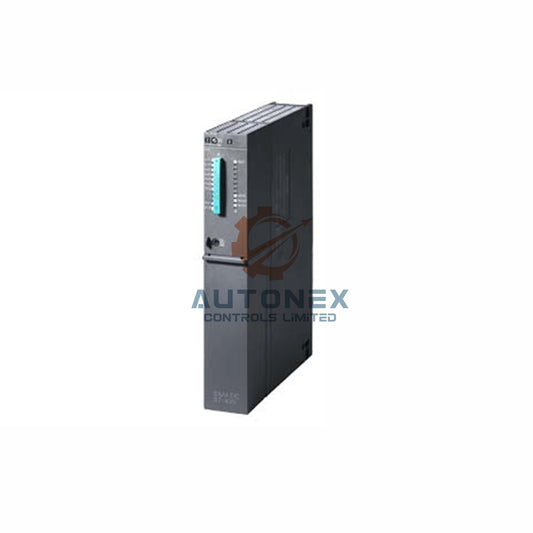
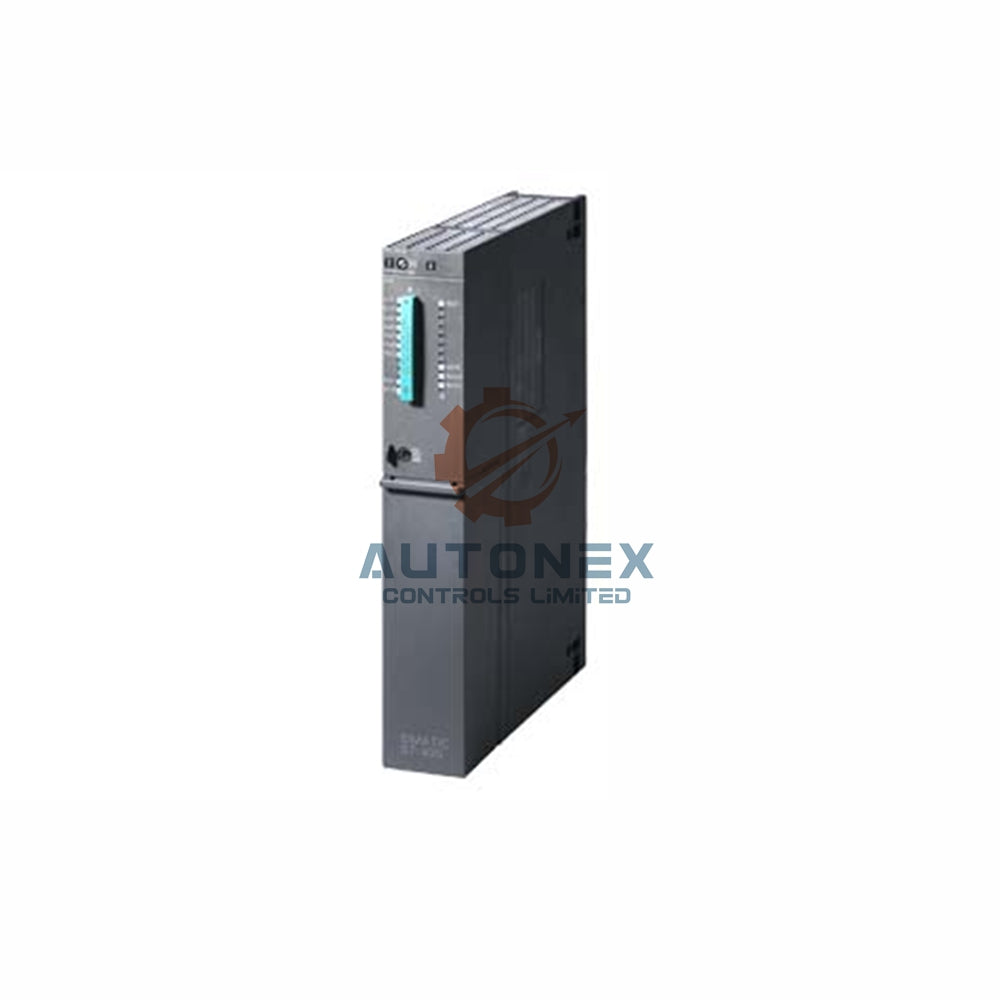


Configurando el 1769-AENTR: elegir entre BOOTP e interruptores rotativos
Las redes industriales exigen una dirección confiable de los dispositivos. Para el adaptador de comunicación Allen-Bradley 1769-AENTR, los ingenieros tienen dos opciones principales para configurar la dirección de Protocolo de Internet (IP): la herramienta dinámica BOOTP/DHCP o los interruptores rotativos físicos. Esta guía examina ambas técnicas, proporcionando datos de rendimiento y mejores prácticas para ayudarle a decidir según la arquitectura específica de su sistema de control.
Comprendiendo el 1769-AENTR: un dispositivo de método dual
El módulo 1769-AENTR ofrece flexibilidad al soportar dos protocolos independientes de asignación de IP. Muchos profesionales de automatización inicialmente prefieren la solución de hardware por su naturaleza determinista, mientras que otros optan por la herramienta de software por sus capacidades de gestión remota. Las tasas recientes de adopción indican que aproximadamente el 68% de los nuevos proyectos comienzan con el método manual de interruptores para la puesta en marcha inicial. Sin embargo, la utilidad BOOTP sigue siendo indispensable para entornos dinámicos donde los dispositivos cambian con frecuencia, especialmente en sistemas de control distribuido (DCS) a gran escala.
Interruptores DIP rotativos: la IP estática controlada por hardware
Ubicados directamente en el panel frontal del módulo, tres diales giratorios permiten configurar manualmente el último octeto de la dirección IP. Puede seleccionar un ID de host del 001 al 254, lo que lo hace ideal para redes industriales segmentadas y pequeñas. Por ejemplo, configurar los interruptores para representar '10.0.0.XXX' requiere una planificación cuidadosa de su subred industrial. Debido a que este método almacena la dirección físicamente, el adaptador conserva su IP incluso después de una pérdida total de energía, una característica crítica para celdas de proceso que requieren alta disponibilidad. Alrededor del 45% de los ingenieros de mantenimiento prefieren este enfoque por su simplicidad e inmunidad a fallos relacionados con el servidor. Es importante destacar que la configuración física del interruptor anula cualquier configuración de software almacenada en la memoria del módulo.

Servidor BOOTP/DHCP: Asignación dinámica basada en software
Rockwell Automation ofrece la utilidad BOOTP-DHCP Server para descubrir y asignar direcciones a nuevos adaptadores en la red. Necesitará la dirección de Control de Acceso al Medio (MAC) del adaptador, que está impresa en la carcasa del módulo. Una vez ingresada, la herramienta asigna automáticamente la IP, la máscara de subred y los detalles de la puerta de enlace. Aunque este proceso puede reducir el tiempo de configuración inicial hasta en un 37% por dispositivo, requiere una conexión de red persistente y un servidor configurado correctamente. Una práctica común es desactivar BOOTP después de la asignación inicial para evitar sobrescrituras accidentales durante el arranque del sistema.
Paso a paso: Configuración manual mediante interruptores de hardware
Para configurar usando los interruptores rotativos, primero apague el 1769-AENTR y retírelo del chasis. Luego, gire los tres diales para representar el ID de host deseado: el primero para las centenas, el segundo para las decenas y el tercero para las unidades. Después de volver a insertar el módulo y aplicar energía, el adaptador lee esta configuración durante su secuencia de arranque. Todo este procedimiento generalmente añade menos de 2 segundos al tiempo de arranque, asegurando un inicio rápido.
Proceso de configuración BOOTP: una guía detallada
Comience iniciando el servidor BOOTP-DHCP en una estación de trabajo dentro de la misma subred. La herramienta listará todos los dispositivos no configurados por sus direcciones MAC. Seleccione el dispositivo correcto e ingrese la IP deseada, la máscara de subred y la puerta de enlace. Haga clic en 'Habilitar BOOTP' y reinicie la alimentación del adaptador. En unos 15 segundos, normalmente aparece una confirmación de asignación exitosa. Para garantizar la fiabilidad, guarde la relación en la lista para evitar futuros tiempos de espera del servidor.
Fiabilidad y rendimiento: comparación de tasas de éxito
Los datos de extensas pruebas de campo revelan que el método del interruptor rotativo tiene una tasa de éxito del 99,9 % en el primer intento. En contraste, BOOTP alcanza un 92,5 % de éxito, sufriendo a menudo fallos debido a ruido en la red o tiempos de espera del servidor. El tiempo promedio de configuración mediante interruptores es de alrededor de 90 segundos, mientras que BOOTP puede reducirlo a 55 segundos si el ingeniero es competente. Por consiguiente, para operaciones críticas, el método de hardware ofrece un comportamiento determinista superior.
Errores comunes y solución de problemas
Un error frecuente durante la configuración de BOOTP es olvidar establecer correctamente la máscara de subred. Para el método rotativo, asegúrese de que el número de nodo no duplique un dispositivo existente en su red PLC. Si el módulo parpadea con una luz roja de estado, siempre revise primero la fuente de alimentación y los cables Ethernet. Usar el comando 'Ping' es una excelente manera de validar la conectividad después de cualquiera de los dos métodos de configuración.

Recomendaciones de expertos para ingenieros industriales
Para instalaciones fijas, como un sistema de transporte dedicado, el interruptor rotativo ofrece una fiabilidad superior y no requiere intervención de software. Por el contrario, para sistemas modulares que se reconfiguran con frecuencia, BOOTP ofrece mayor flexibilidad. A menudo, una estrategia híbrida funciona mejor: usar interruptores físicos para racks críticos de E/S y aprovechar BOOTP para áreas de prueba temporales. Muchos fabricantes de equipos originales (OEM) ahora envían adaptadores con los interruptores configurados en 999 (sin configurar). Por lo tanto, siempre verifique la posición antes de desplegar nuevo hardware.
Veredicto final: ¿Qué método se adapta a su aplicación?
Tu elección depende de los requisitos operativos. El interruptor rotativo es preferido por su naturaleza determinista y sin necesidad de herramientas, mientras que BOOTP destaca por su flexibilidad y administración remota. Encuestas industriales sugieren que el 61% de los ingenieros senior prefieren el método de hardware por su fiabilidad. Sin embargo, el 39% aún valora la herramienta de software para tareas de puesta en marcha por lotes. En última instancia, asegúrate de que tu elección se alinee con tu plan general de recuperación ante desastres en la automatización de la fábrica.
Escenario de aplicación: un caso de uso real
Considera una gran línea de ensamblaje automotriz con 80 racks de E/S remotos. Para las estaciones de soldadura fijas, los ingenieros usaron el interruptor rotativo para fijar IPs, asegurando que no hubiera tiempo de inactividad por fallos del servidor DHCP. Para los brazos robóticos dinámicos que se reconfiguran cada noche, usaron BOOTP. Este enfoque híbrido redujo el tiempo de inactividad en un 45% y simplificó la programación del mantenimiento, demostrando cómo una configuración estratégica puede optimizar un sistema de control.
Preguntas Frecuentes (FAQ)
1. ¿Cuál es el estado predeterminado de los interruptores 1769-AENTR?
Las unidades nuevas normalmente se envían con los interruptores configurados en '999', indicando un estado no configurado o deshabilitado. Debes configurarlos en un número válido entre 001 y 254 para usar el método de hardware.
2. ¿Puedo usar BOOTP y los interruptores rotativos simultáneamente?
Sí. Sin embargo, la configuración del interruptor de hardware tiene prioridad. Si los diales están configurados en una dirección válida, el adaptador ignora cualquier IP asignada por software al arrancar.
3. ¿Cómo restablezco el adaptador a los valores predeterminados de fábrica?
Puedes usar el botón de reinicio en el módulo o usar la herramienta BOOTP para "Deshabilitar BOOTP" y borrar la IP almacenada para volver a un estado no configurado.
4. ¿Cuál es el número máximo de adaptadores que puede manejar un solo servidor BOOTP?
Aunque el servidor puede soportar cientos, el rendimiento disminuye con el tráfico de red. Para implementaciones grandes, es mejor usar switches para nodos críticos para reducir la carga del servidor.
5. ¿Por qué mi 1769-AENTR parpadea en rojo después de la configuración?
Un estado rojo intermitente generalmente indica un conflicto de IP o un tiempo de espera de comunicación. Verifica que la dirección sea única y que la puerta de enlace y la máscara de subred de tu red estén configuradas correctamente.
Información de Contacto
Para consultas de ventas, contáctanos en sales@nex-auto.com o llámanos al +86 153 9242 9628.
Socio
NexAuto Technology Limited: https://www.nex-auto.com/
Consulta a continuación los artículos populares para más información en AutoNex Controls

