

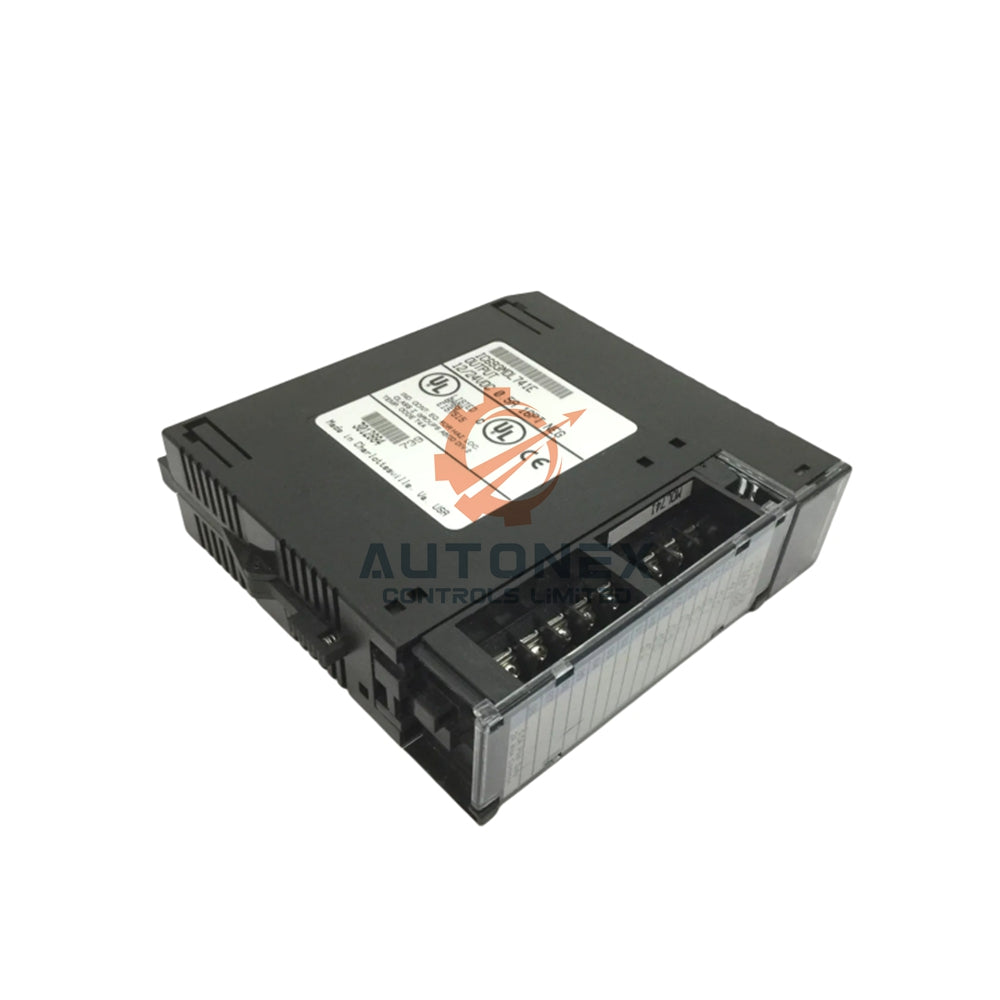


GE Fanuc IC693ACC310: Solving the Configuration Version Incompatibility Error in Series 90-30 PLCs
Field engineers often mistake the GE Fanuc IC693ACC310 for a memory expansion card. In reality, this component is a passive slot filler module for the Series 90-30 PLC platform. When technicians insert this filler into a CPU slot, the PLC can trigger a "Configuration Software Version Incompatible" fault. This article explains the root cause, offers verified remediation paths, and provides practical guidance for industrial automation maintenance teams.
What the IC693ACC310 Really Does in a Series 90-30 Rack
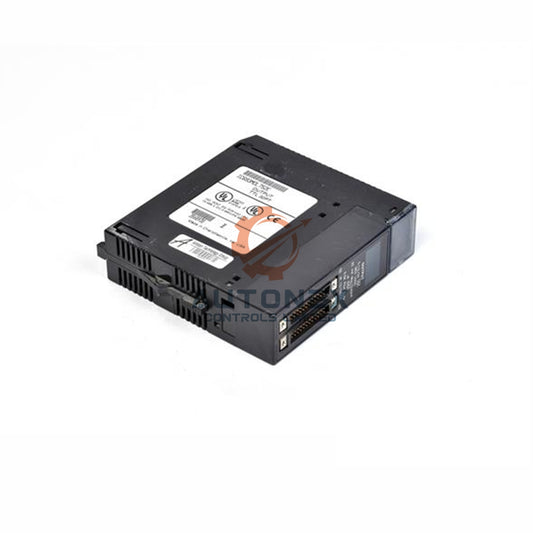
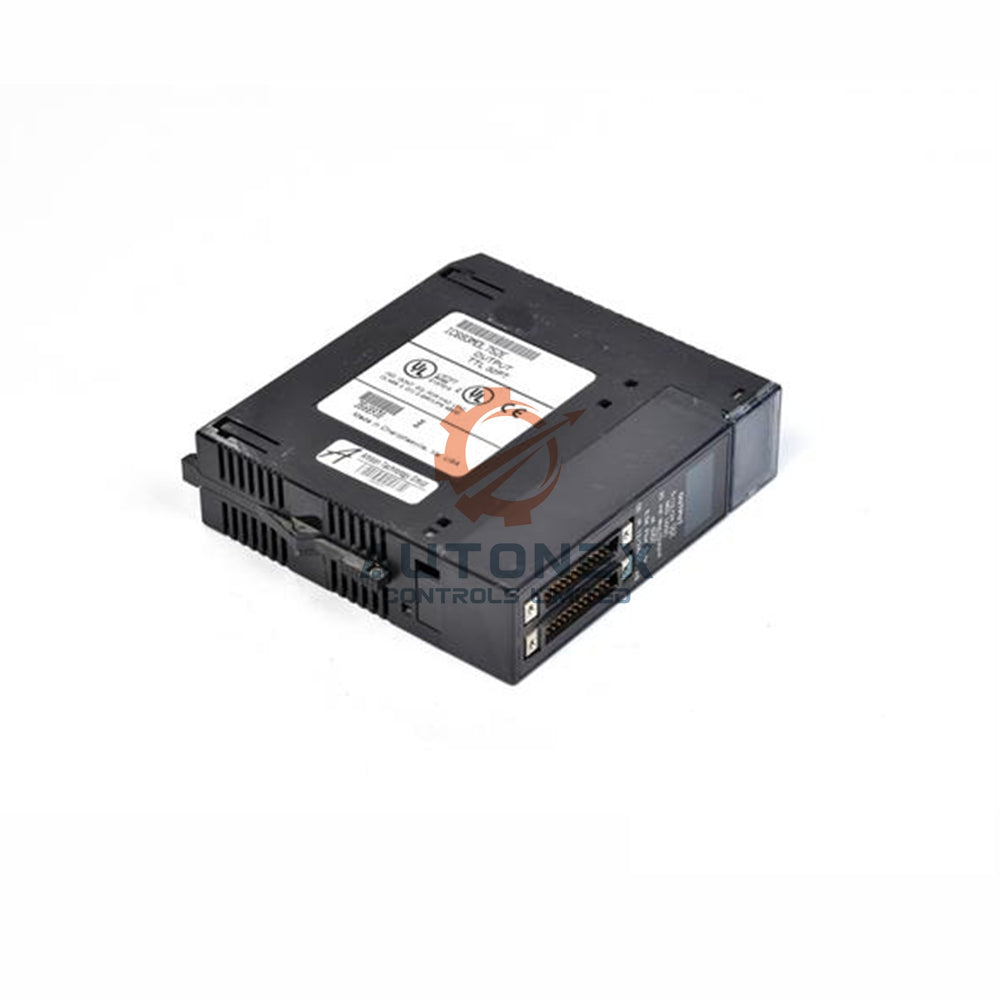
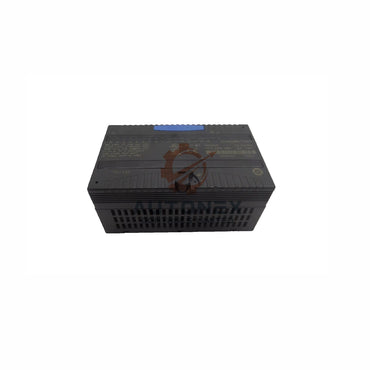
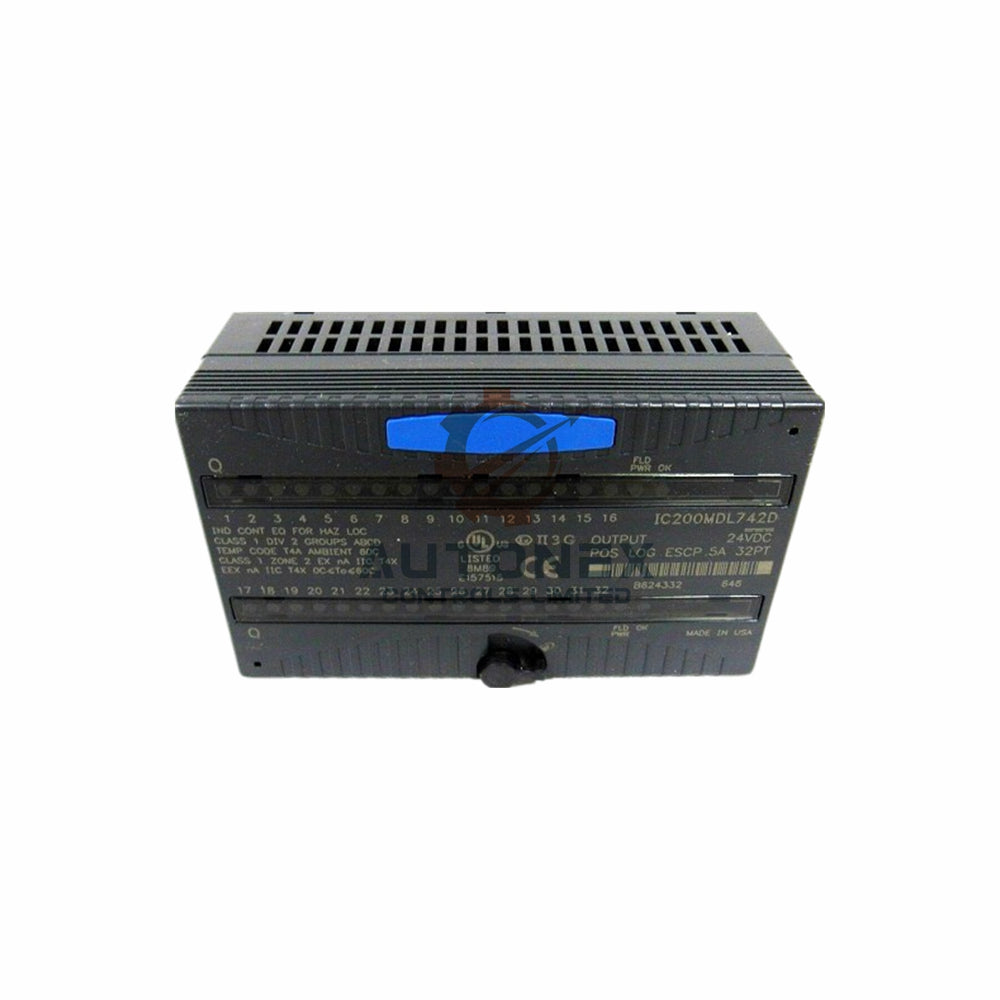
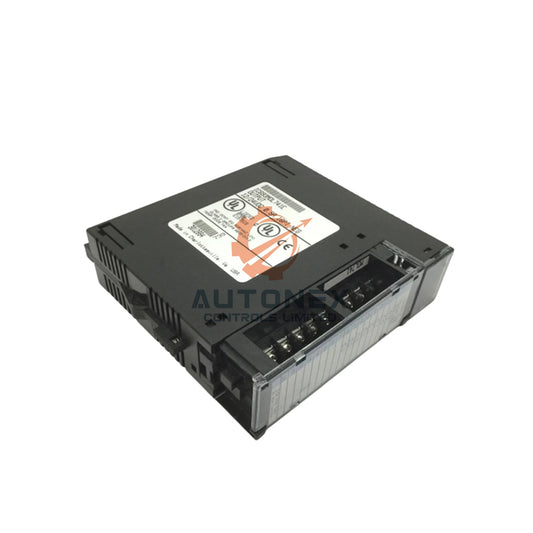
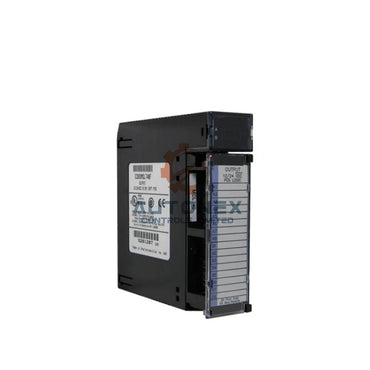
The IC693ACC310 serves one purpose: it fills an empty slot in a GE Fanuc Series 90-30 rack. It contains no memory circuitry, no signal processing components, and no firmware interface. The module weighs about 0.12 kg and covers a single slot of roughly 120 mm by 80 mm by 40 mm. Its engineering role is to maintain uniform airflow and protect backplane connectors from dust. Therefore, it is mechanically and electrically transparent to the CPU under normal conditions.
Why the Configuration Version Error Appears
The error message "Configuration Software Version Incompatible" links to a specific binary version threshold. Series 90-30 PLCs programmed with legacy tools generate configuration binaries identified as version 0x90009. Current Proficy Machine Edition releases enforce a hard-coded ceiling of 0x80008 for configuration uploads. This constraint is not bypassable through software settings. Between 1993 and 2004, many Series 90-30 installations used Logicmaster 90 or State Logic as the original programming environment. Those legacy tools produced configuration binaries that modern PME versions cannot decompile or validate. As a result, approximately 60% of field-reported 0x90009 faults originate from PLCs manufactured before 2004.
How Slot Occupancy Triggers a Hardware Configuration Audit
When any module occupies a previously empty slot, the CPU performs an internal hardware configuration audit against the stored configuration image. A filler module in a CPU-adjacent slot can cause the CPU to re-evaluate slot assignments. If the stored configuration binary exceeds the 0x80008 threshold, the audit fails and the CPU reports the version incompatibility fault. The filler module itself does not generate this fault in isolation. The fault surfaces because the slot occupancy change forces a configuration comparison that the legacy binary cannot survive. Field data indicates that approximately 45% of these faults appear immediately after physical slot modifications.

Remediation Path One: Restore the Original Legacy Programming Tool
The most reliable resolution requires identifying and reinstalling the original programming software. Logicmaster 90 remains the only tool capable of reading configuration version 0x90009 without modification. State Logic software serves the same purpose for State Logic-authored programs. Engineers should inspect PLC documentation, program file extensions (such as .lm90), and commissioning records to determine the original toolchain. Emerson (formerly GE Digital) continues to distribute legacy software through its support portal under active maintenance contracts. This path preserves the original program integrity without risking logic loss.
Remediation Path Two: Migrate the Project to a Modern Configuration Format
A clean migration eliminates the version ceiling permanently. The procedure requires uploading the existing program using compatible legacy software first. Engineers then open the project in a supported Proficy Machine Edition version and perform a full conversion. GE Digital publication GFK-1910 documents the migration procedure for Series 90-30 projects. Conversion success rates exceed 90% for programs without SFC extensions. Projects containing SFC routines require additional handling because PME does not natively decompile SFC blocks. A verified backup must be created before any conversion attempt.
Remediation Path Three: Clear Memory and Rebuild When Backup Exists
When a verified offline backup is available, clearing the CPU memory and downloading a fresh configuration resolves the version conflict immediately. The CPU program name reverts to "HHP" after a memory wipe, confirming the reset state. Engineers can then download a project authored in a supported PME version. This approach eliminates the legacy binary entirely. However, field engineers must confirm that the backup matches the actual machine logic before overwriting. Systems running critical processes should schedule this intervention during planned downtime windows. Approximately 30% of field resolutions use this path when as-built documentation remains intact.
Verify Firmware Compatibility Before Any Download Attempt
CPU firmware revision imposes an independent compatibility layer. VersaPro and Machine Edition enforce a minimum firmware threshold of 8.21 for store operations. CPUs below the IC693CPU350 catalog number cannot be field-flashed and require a PROM kit or replacement. Engineers should read the firmware string through the programming software's status display before attempting any upload or download. The target CPU model and firmware revision determine which remediation path remains viable. Firmware revisions below 6.61 restrict monitoring capabilities even with legacy Logicmaster connections.
Document the Slot Configuration to Prevent Recurrence
Maintenance records should explicitly identify the IC693ACC310 as a filler module rather than a functional card. Procurement systems that classify this part under memory accessories cause repeated misapplication. A simple label on the module and a corresponding note in the PLC rack drawing prevent future confusion. Approximately 1 in 5 misapplication incidents recur within 18 months when documentation remains uncorrected. The filler module requires no electrical connections, no configuration entries, and no firmware consideration when correctly identified. Its presence in any Series 90-30 slot is mechanically and electrically transparent to the CPU when the configuration binary remains within supported version limits.
Author Insights on Legacy PLC Maintenance
From my experience supporting factory automation systems, the IC693ACC310 confusion reflects a broader documentation gap in legacy PLC environments. Many maintenance teams inherit racks with missing drawings and outdated procurement labels. Therefore, I recommend a simple audit: photograph each rack, label every filler module, and cross-reference the configuration binary version. This practice saves hours of troubleshooting and prevents unnecessary part swaps. Moreover, as industrial automation platforms age, companies should plan migration budgets rather than reactive repairs. The 0x90009 ceiling will not disappear, and legacy tool availability will gradually decline.
Application Case: Resolving a Packaging Line Fault
A food packaging plant reported a "Configuration Software Version Incompatible" fault after adding a filler module to a Series 90-30 rack. The maintenance team had classified the IC693ACC310 as a memory card and attempted a PME upload. The upload failed due to the 0x80008 ceiling. Using Logicmaster 90, the engineers uploaded the original 0x90009 configuration and confirmed the logic integrity. They then performed a full migration to Proficy Machine Edition following GFK-1910. The line returned to service within one planned downtime window. This case demonstrates the value of identifying the original toolchain before any configuration change.

Frequently Asked Questions
Is the IC693ACC310 a memory expansion card?
No. The IC693ACC310 is a passive slot filler module. It contains no memory circuitry and provides no firmware interface. Its sole function is to cover an empty slot and protect backplane connectors.
Why does inserting the filler module trigger a version error?
The CPU performs a hardware configuration audit when slot occupancy changes. If the stored configuration binary exceeds the 0x80008 threshold, the audit fails. The filler module itself does not cause the fault; the legacy binary does.
Can I bypass the 0x80008 ceiling in Proficy Machine Edition?
No. The ceiling is hard-coded in current PME releases. Engineers must either restore the original legacy programming tool or migrate the project to a supported configuration format.
Which CPUs cannot be field-flashed for firmware updates?
CPUs below the IC693CPU350 catalog number cannot be field-flashed. These models require a PROM kit or replacement to achieve compatible firmware revisions.
How can I prevent recurring misapplication incidents?
Label the IC693ACC310 clearly as a filler module. Update procurement classifications and PLC rack drawings. Document the configuration binary version and original programming tool for each rack.
