


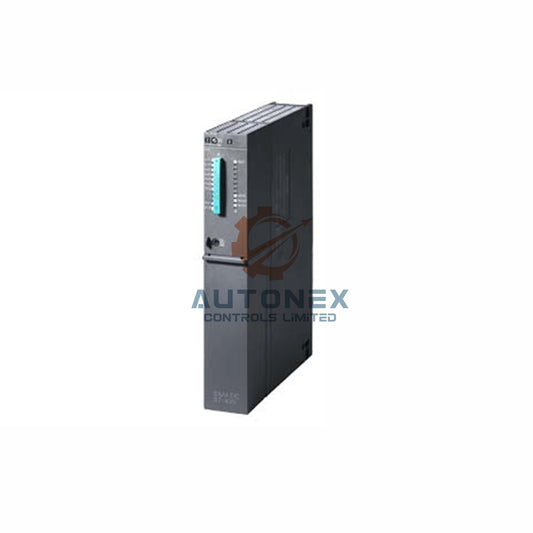
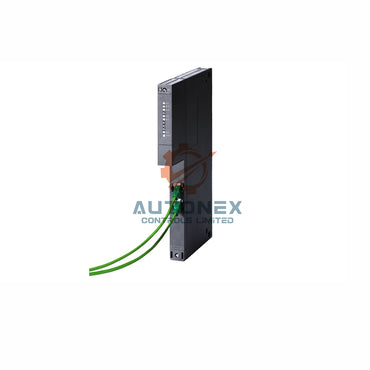
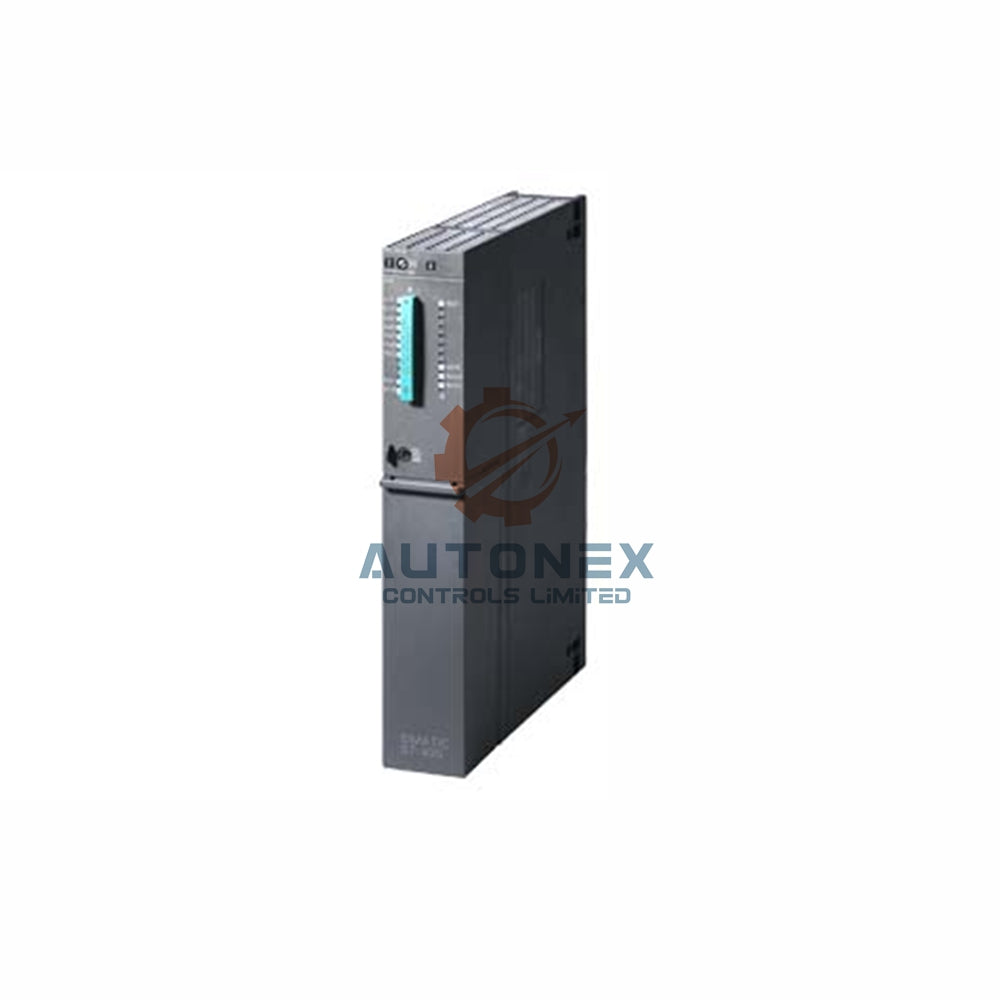


1769-L18ER-BB1B Ethernet/IP Uzaq I/O Dəstəyi: Ətraflı Texniki İcmal
Bu texniki məqalə 1769-L18ER-BB1B kontrollerinin Ethernet/IP uzaq I/O üçün doğma dəstəyini araşdırır. O, performans ölçüləri, şəbəkə topologiyası nəzərə alınmaları və sənaye avtomatlaşdırma mühəndisləri üçün praktik inteqrasiya təlimatları təqdim edir.
Ethernet/IP Uzaq I/O üçün Doğma Dəstək
1769-L18ER-BB1B kontrolleri əlavə avadanlıq olmadan Ethernet/IP uzaq I/O-nu təbii şəkildə dəstəkləyir.
Bu dəstək kontrollerdə quraşdırılmış iki portlu Ethernet switch vasitəsilə təmin olunur.
Nəticədə, mühəndislər tək bir şəbəkə üzərindən birbaşa 256 uzaq I/O node-a qədər qoşula bilərlər.
Üstəlik, kontroller skaner kimi fəaliyyət göstərərək I/O məlumat mübadiləsi üçün dolayı mesajlaşmanı idarə edir.
Beləliklə, əsas uzaq I/O əməliyyatları üçün ayrıca kommunikasiya modulu tələb olunmur.

Performans Ölçüləri və I/O Tutumu
Bu kontroller Ethernet/IP şəbəkələri üzərindən maksimum 30,000 I/O sözü dəstəkləyir.
Xüsusilə, 512 yerli I/O nöqtəsini və 2048 uzaq I/O nöqtəsini idarə edir.
Şəbəkə yenilənmə vaxtları adətən 128 node üçün 10 millisekunddan azdır.
Məsələn, 16 nöqtəli giriş modulu təxminən 2.5 millisekundda yenilənir.
Üstəlik, kontroller istehsal olunan/istehlak olunan etiketlər üçün 32 bağlantını idarə edir.
Əlavə olaraq, qarışıq trafik ssenariləri üçün 128 TCP/IP bağlantısını dəstəkləyir.
Şəbəkə Topologiyası və Sistem İnteqrasiyası
Mühəndislər bu kontrollerlə ulduz, zəncirvari və ya halqa topologiyalarını yerləşdirə bilərlər.
Yüksək mövcudluq tətbiqləri üçün Cihaz Səviyyəli Halqa (DLR) topologiyası dəstəklənir.
Məsələn, DLR şəbəkəsi tək bir nasazlıqdan 3 millisekund ərzində bərpa olunur.
Bu kontroller həmçinin Stratix switchləri və PowerFlex sürücüləri ilə problemsiz inteqrasiya olunur.
Üstəlik, həm 10 Mbps, həm də 100 Mbps Ethernet sürətlərini dəstəkləyir.
Nəticədə, yüksək sürətli I/O və aşağı prioritetli HMI trafiki effektiv şəkildə qarışdırıla bilər.
Konfiqurasiya və Qurulum Prosedurları
Uzaq I/O konfiqurasiyası üçün RSLogix 5000 və ya Studio 5000 proqram təminatı istifadə olunur.
Əvvəlcə, uzaq I/O adapter modulunu I/O ağacına əlavə edirsiniz.
Sonra, hər bir uzaq I/O node üçün unikal IP ünvanı təyin edirsiniz.
Bundan sonra, giriş/çıxış məlumatlarını kontroller etiketlərinə xəritələndirirsiniz.
Adətən, 10 node üçün bütün qurulum 15 dəqiqədən az vaxt aparır.
Əlavə olaraq, sürətli aşkarlama üçün "Avtomatik Konfiqurasiya" funksiyasından istifadə edə bilərsiniz.

Məlumat Mübadiləsi və Kommunikasiya Səmərəliliyi
Dolayı mesajlaşma real vaxt I/O məlumat ötürülməsi üçün 20-30 Hz-də istifadə olunur.
Açıq mesajlaşma konfiqurasiya və diaqnostika üçün aşağı prioritetlə istifadə olunur.
Nəzarətçi 256 dolayı və 64 açıq bağlantını idarə edir.
Hər bağlantı üçün məlumat yükü giriş və çıxışda 500 bayta qədərdir.
Beləliklə, ümumi I/O ötürmə sürətinə dəqiqədə 1.2 GB nail ola bilərsiniz.
Üstəlik, daxili açar şəbəkə gecikməsini orta hesabla 15% azaldır.
Diaqnostika və Qüsur İdarəetməsi
Daxili diaqnostika hər uzaq I/O düyününün real vaxt statusunu təmin edir.
Nəzarətçinin veb server interfeysi vasitəsilə əlaqə sağlamlığını izləyə bilərsiniz.
Qüsur bərpası vaxtı adətən hər düyün üçün 50 millisekunddan azdır.
Üstəlik, nəzarətçi problemlərin aradan qaldırılması üçün 1000-ə qədər hadisə qeydi aparır.
Bu qeydlər vaxt möhürlü I/O qüsurları və şəbəkə səhvlərini əhatə edir.
Nəticədə, əksər hallarda orta təmir vaxtını 40% azalda bilərsiniz.
Proqram Təminatı və Uyğunluq Tələbləri
Tam uzaq I/O dəstəyi üçün 20.011 və ya daha sonrakı proqram təminatı yeniləməsi tələb olunur.
Bu nəzarətçi bütün 1734, 1738 və 1794 uzaq I/O ilə uyğun gəlir.
Əlavə olaraq, ODVA sertifikatlı üçüncü tərəf Ethernet/IP cihazlarını dəstəkləyir.
Proqram təminatınızın versiyasının nəzarətçinin proqram təminatı yeniləməsi ilə uyğun olduğundan əmin olun.
Məsələn, yeni layihələr üçün Studio 5000 v32 və ya daha yuxarı versiyası tövsiyə olunur.
Köhnə proqram təminatı versiyaları uzaq düyünlərin maksimum sayını məhdudlaşdıra bilər.
Praktiki Tətbiq Ssenariləri və Nümunələr
Qablaşdırma xəttində bu nəzarətçi 120 uzaq I/O nöqtəsini effektiv idarə edir.
Eyni şəkildə, material emalı sistemində 80 uzaq sensor və aktuatoru idarə edir.
Su təmizləmə zavodunda 64 uzaq analoq I/O modulunu idarə edir.
Hər ssenari ardıcıl olaraq 10 ms-dən az yeniləmə sürətlərini göstərir.
Üstəlik, nəzarətçinin DLR dəstəyi kabel qüsurları zamanı sıfır dayanma vaxtını təmin edir.
Beləliklə, mühəndislər bu nəzarətçini kritik infrastruktur tətbiqlərində yerləşdirə bilərlər.
Təhlükəsizlik və Şəbəkə Ən Yaxşı Təcrübələri
I/O trafiki müəssisə şəbəkələrindən ayırmaq üçün VLAN seqmentasiyasından istifadə edin.
İcazəsiz cihaz bağlantılarını qarşısını almaq üçün port təhlükəsizliyini aktiv edin.
Tələb olunduqda şifrələnmiş I/O məlumatları üçün CIP Təhlükəsizliyini tətbiq edin.
Məlum təhlükəsizlik zəifliklərini aradan qaldırmaq üçün proqram təminatını müntəzəm yeniləyin.
Həmçinin, HTTP və FTP kimi istifadə olunmayan xidmətləri deaktiv edin ki, hücum səthləri azalsın.
Bu təcrübələr auditlərdə sistem etibarlılığını 30%-dən çox artırır.
Köhnə Kontrollerlərlə Müqayisə
1769-L32E ilə müqayisədə bu kontroller 30% daha çox I/O tutumu təklif edir.
Ethernet/IP üzərindən şəbəkə yeniləmə vaxtlarını 50% sürətləndirir.
Köhnə modellərdən fərqli olaraq, DLR və QoS dəstəyi ilə performansı artırır.
Üstəlik, uzaqdan diaqnostika üçün daxili veb serverə malikdir.
Enerji istehlakı oxşar köhnə modellərə nisbətən 20% azdır.
Beləliklə, 1769-L18ER-BB1B sərfəli yüksəltmə yoludur.
Nəticə və Son Tövsiyələr
1769-L18ER-BB1B yüksək performansla Ethernet/IP uzaqdan I/O-nu tam dəstəkləyir.
Mühəndislər 10 ms-dən az şəbəkə dövrləri ilə deterministik idarəetmə əldə edə bilərlər.
Yeni quraşdırmalar üçün maksimum sistem mövcudluğu üçün DLR topologiyasından istifadə edin.
50 metrdən uzun məsafələr üçün qorunan Cat6 kabellərindən istifadə etməyi tövsiyə edirik.
Nəhayət, konfiqurasiyanızı şəbəkə analizatoru ilə həmişə təsdiqləyin.
Bu kontroller müasir, genişlənə bilən avtomatlaşdırma sistemləri üçün əla seçimdir.
Tez-tez Verilən Suallar (FAQ)
1. 1769-L18ER-BB1B tərəfindən dəstəklənən maksimum uzaqdan I/O node sayı nə qədərdir?
Kontroller tək bir Ethernet/IP şəbəkəsi üzərindən 256-ya qədər uzaqdan I/O node-u dəstəkləyir.
2. Bu kontroller uzaqdan I/O üçün əlavə kommunikasiya modulu tələb edirmi?
Xeyr, əlavə avadanlıq tələb etməyən daxili iki portlu Ethernet switchi mövcuddur.
3. 1769-L18ER-BB1B ilə hansı şəbəkə topologiyaları uyğun gəlir?
Ulduz, zəncirvari və Device Level Ring (DLR) topologiyalarını dəstəkləyir, bu da elastik inteqrasiya imkanı verir.
4. Bu kontrollerdə şəbəkə yeniləmə vaxtları nə qədər sürətlidir?
Tipik yeniləmə vaxtları 128 node üçün 10 millisekunddan azdır, 16 nöqtəli modullar təxminən 2.5 ms-də yenilənir.
5. Bu kontrollerdə uzaqdan I/O konfiqurasiyası üçün hansı proqram təminatı istifadə olunur?
Konfiqurasiya üçün RSLogix 5000 və ya Studio 5000 proqram təminatı istifadə olunur, sürətli quraşdırma üçün Auto-Configure funksiyası mövcuddur.
Əlaqə Məlumatları
Sorğular: sales@nex-auto.com , +86 153 9242 9628
Tərəfdaş: NexAuto Technology Limited
Daha ətraflı məlumat üçün aşağıdakı məşhur məhsullara baxın AutoNex Controls

